Equipment that sessions need
Count equipment such as a sensory kit or a projector at each location. In-person sessions that need it hold one, and a booking is refused when none is free.
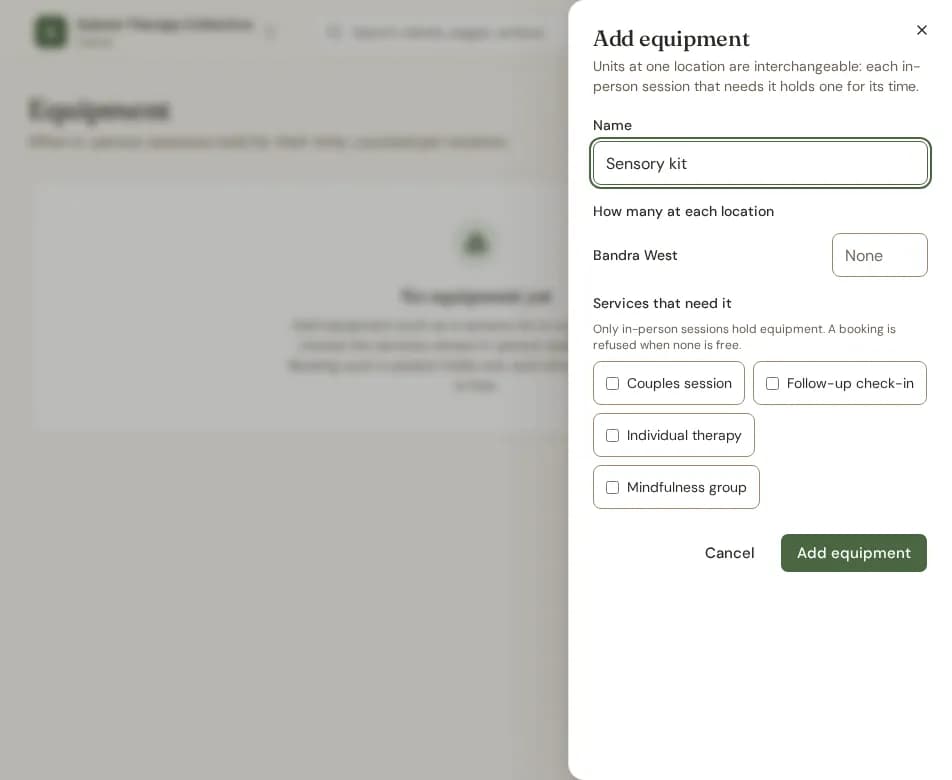
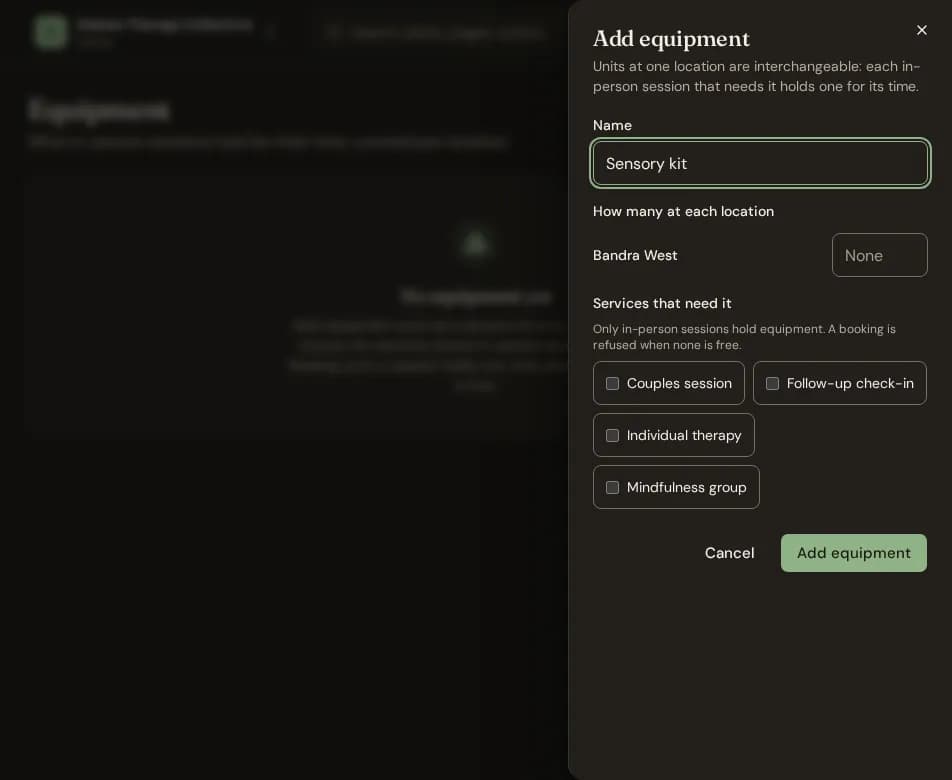
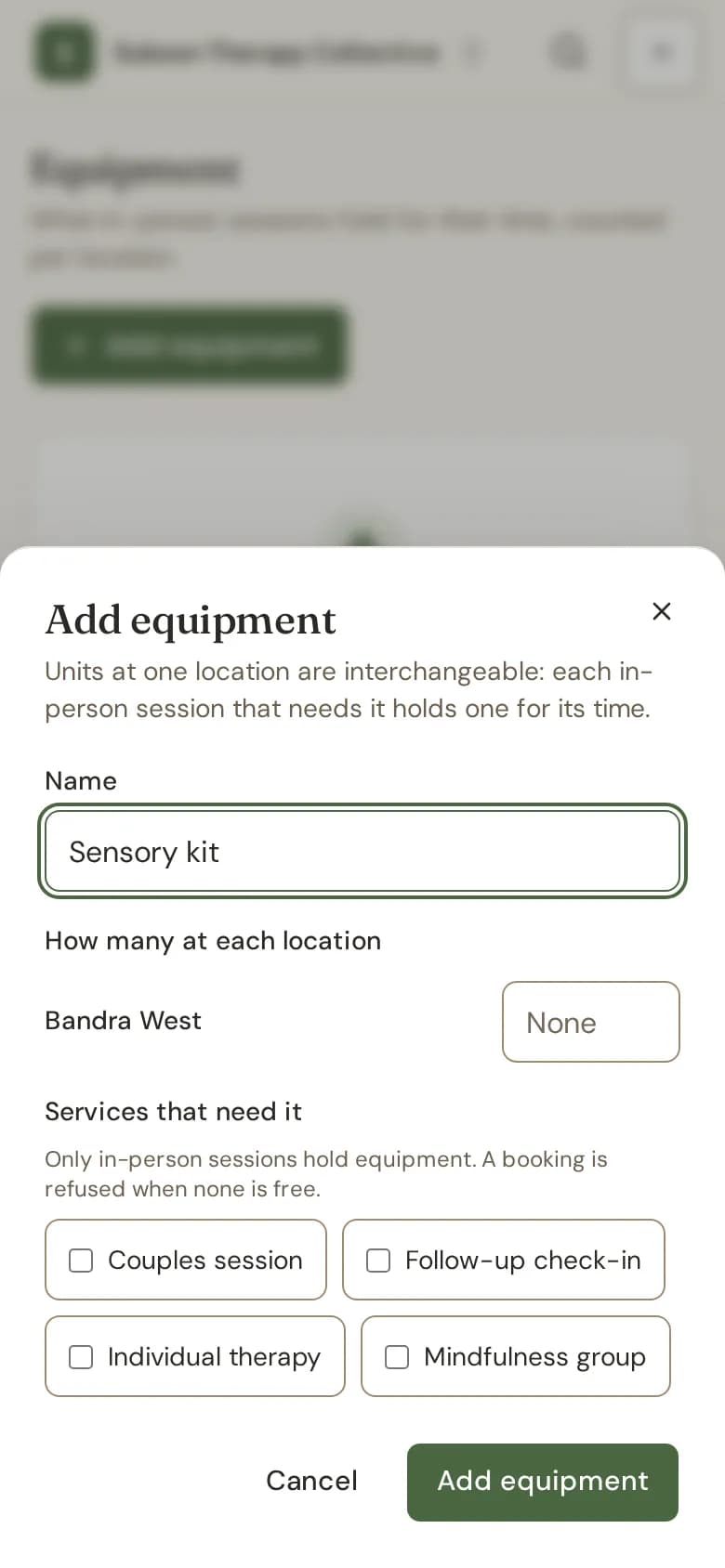
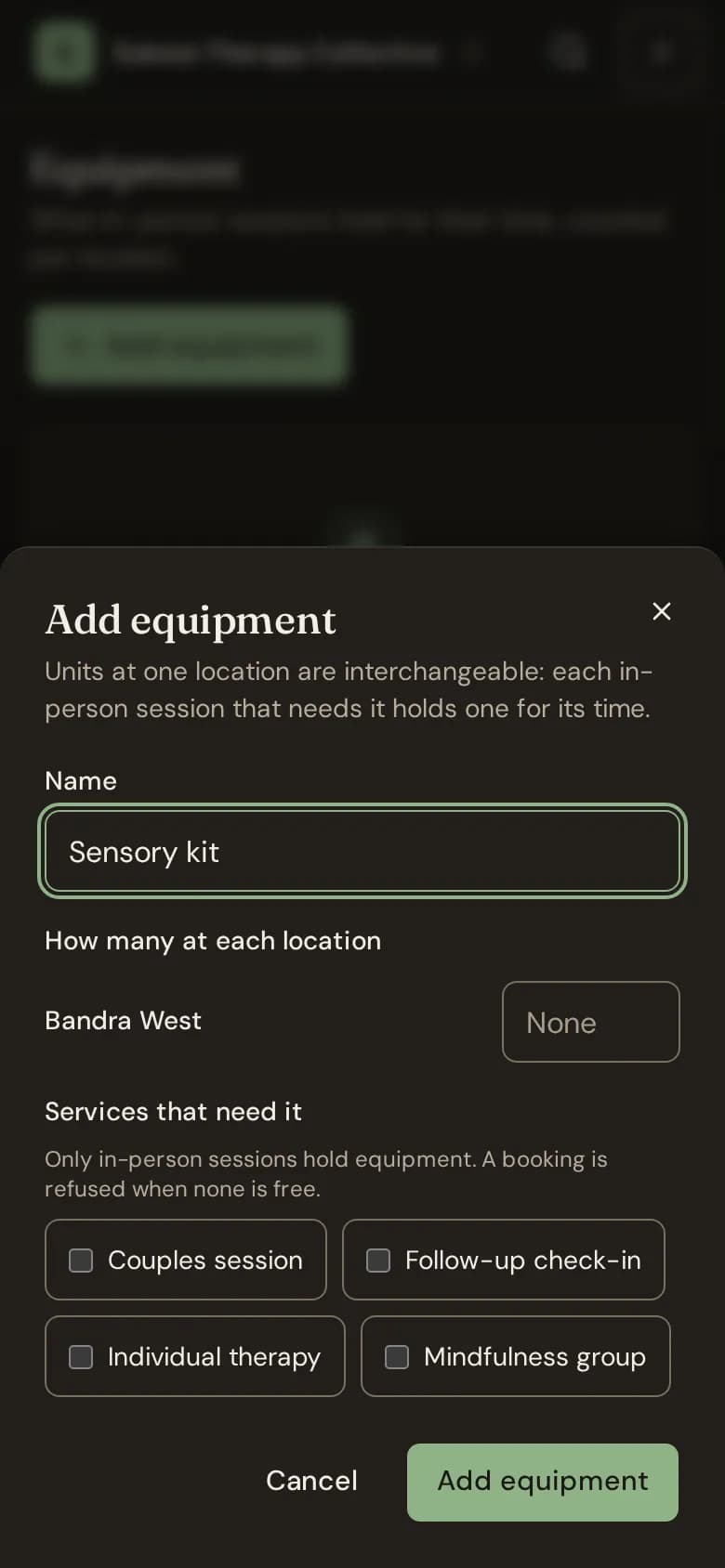
- Go to Equipment (under Practice) and choose Add equipment.
- Type its Name.
- Under How many at each location, type how many you have at each place.
- Under Services that need it, tick the services whose in-person sessions use it.
- Choose Add equipment.
- Booking an in-person session of such a service holds one unit for its time. When none is free, Bliss refuses the booking and names the equipment.
- Moving a session moves its hold. Online sessions hold nothing.
- Lowering a count is refused while sessions ahead would be left without one.
- Equipment is never deleted. Take it out of use instead; sessions already holding it keep it.
- Owners and admins manage equipment.
Still stuck? Contact us and tell us what you were trying to do.