Invite therapists and front desk
Invite people by email with the role they will have. They join with a link that works for 7 days.
- Go to Team (under Practice) and choose Invite people.
- For each person, type their Name and Email, and pick a Role: Therapist, Receptionist or Admin.
- Choose Add another person to invite several at once.
- Choose Send invitation.
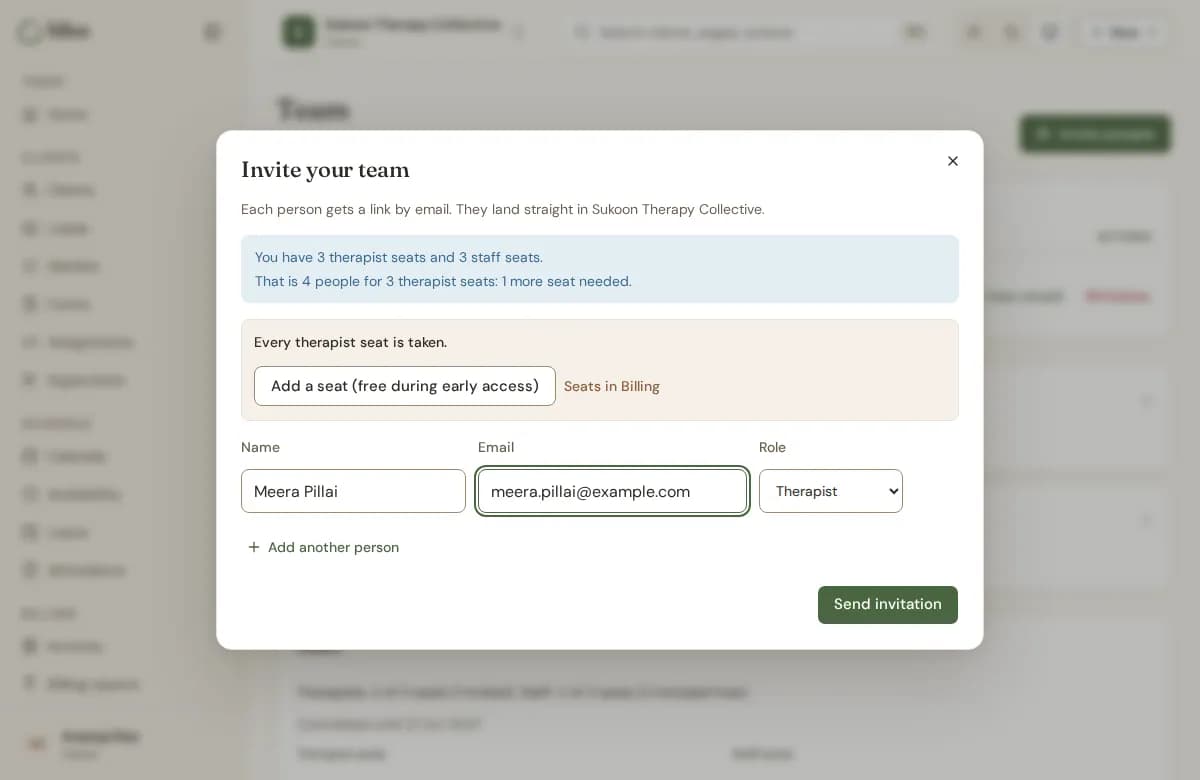
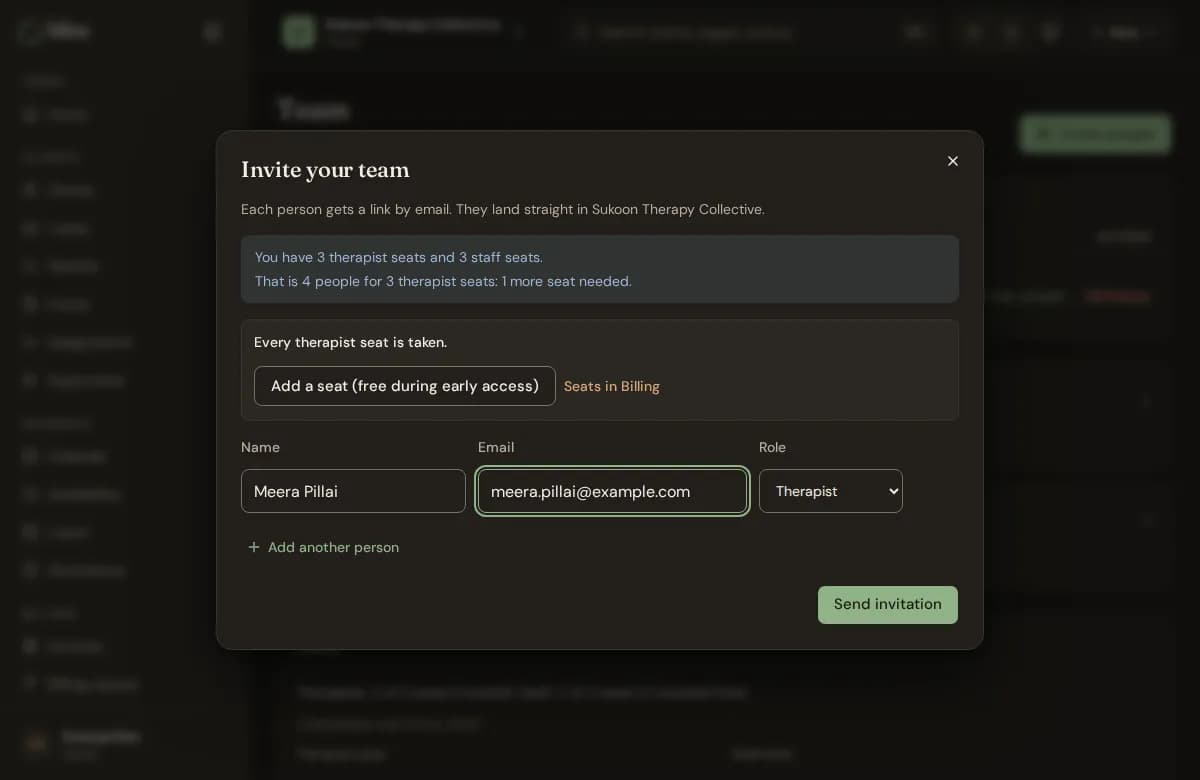
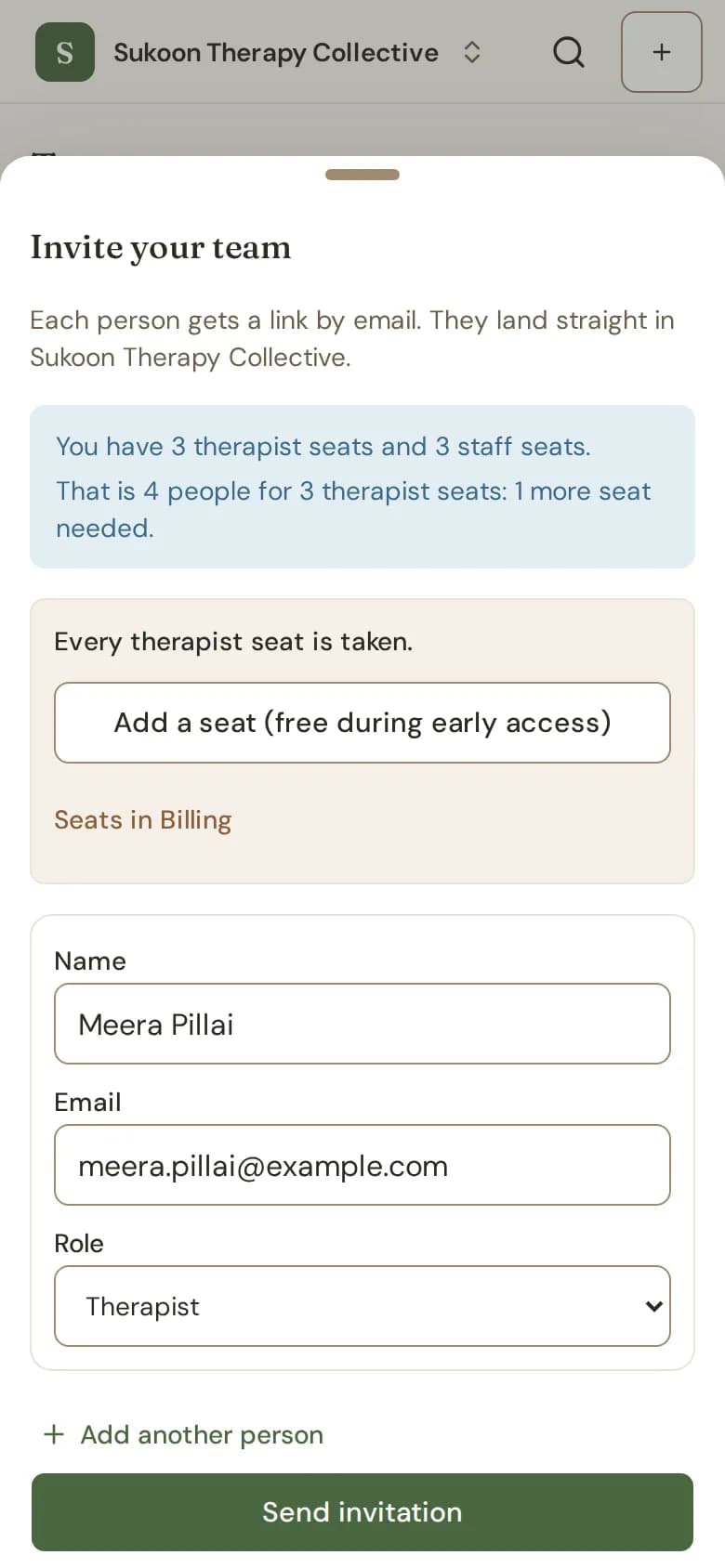
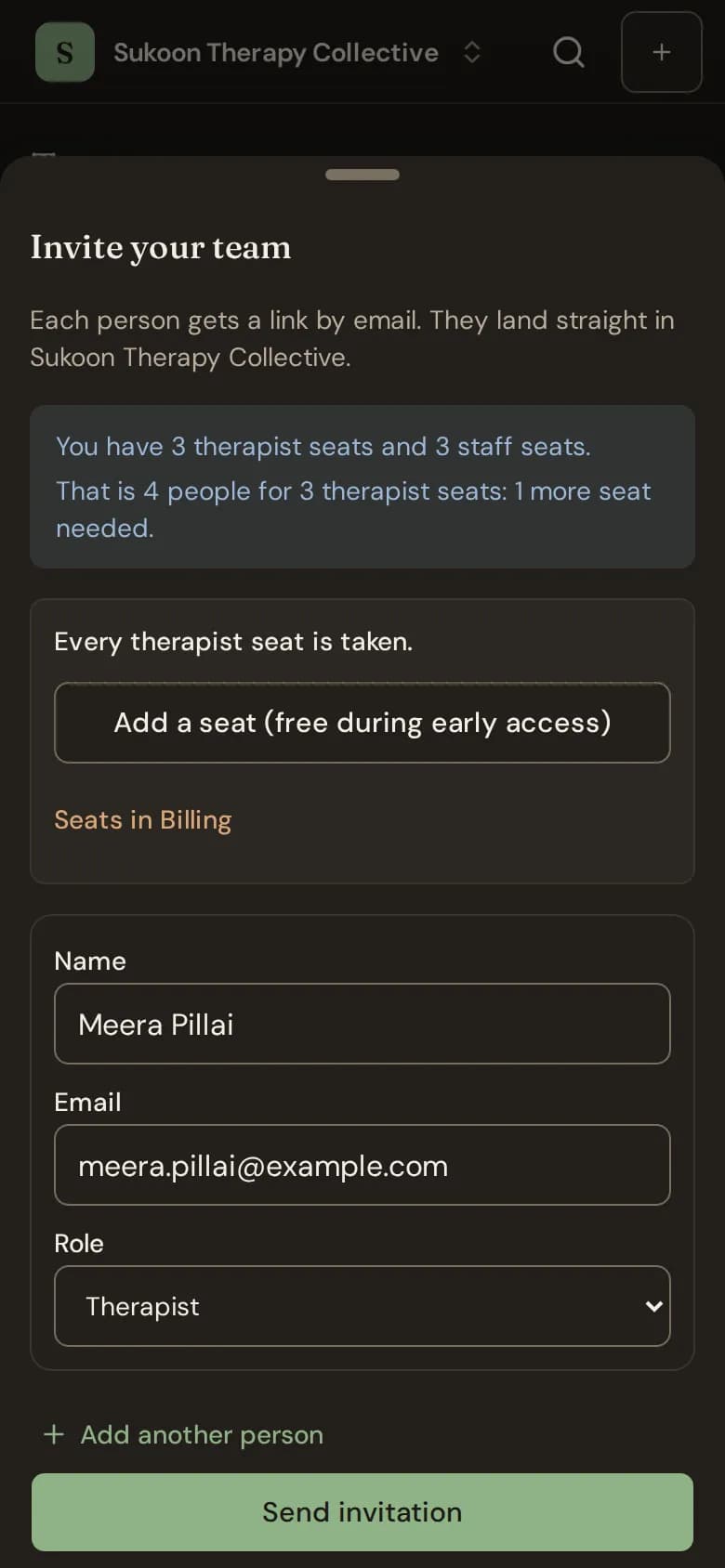
- Bliss emails each person a link. It works for 7 days.
- If the email could not be sent, copy the link and send it yourself.
- The person creates their account (or signs in) from the link and joins your team.
Inviting by mobile number
Where the form asks for Mobile or email, you can type a mobile number instead. Bliss makes the link and you send it from your own phone with Send on WhatsApp or Copy link; Bliss sends nothing itself. Where the form asks only for Email, invite by email.
People who have not joined yet
They are listed under Waiting to join on the Team page. Choose Resend email, Copy link, or Withdraw to stop the link working.
The free plan has one therapist seat. A second therapist can still accept, and then waits for a seat until you choose a Clinic plan. See Seats and paused members.
Still stuck? Contact us and tell us what you were trying to do.