Analytics and comparisons
Sessions, no-shows and clients for any period, compared with the period before or last year. Billing reports show money the same way.
- Go to Analytics (under Practice).
- Pick a period: Today, This week, This month, 30 days, 90 days or Custom.
- Under Compare with, choose Previous period, Last year or Off.
- Use the tabs: Overview, Sessions, Therapists and Clients.
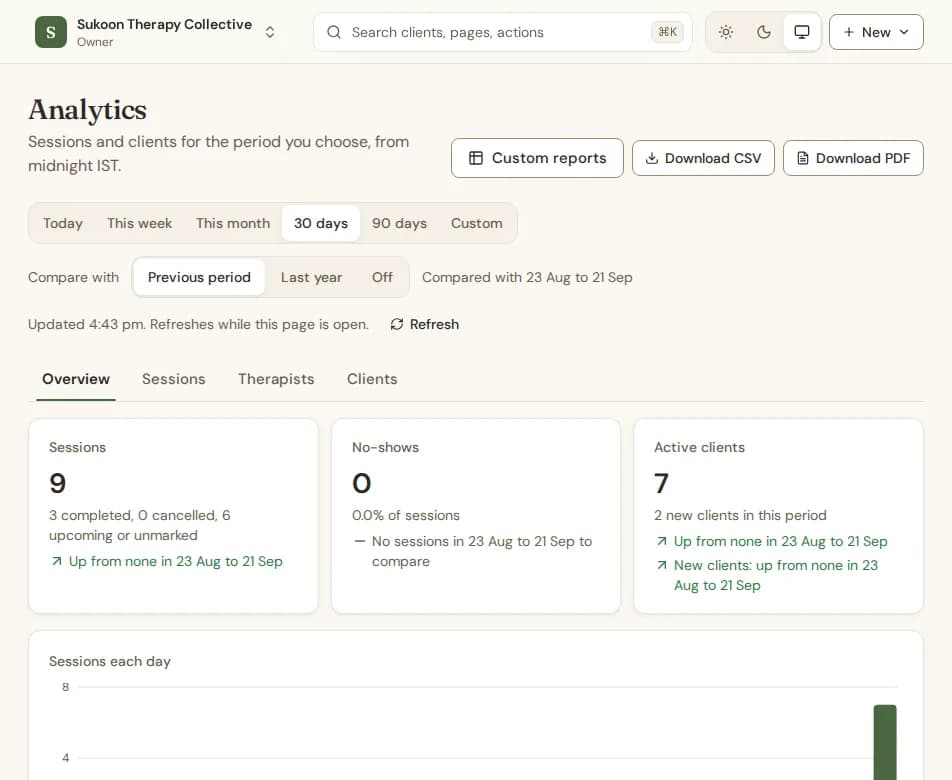
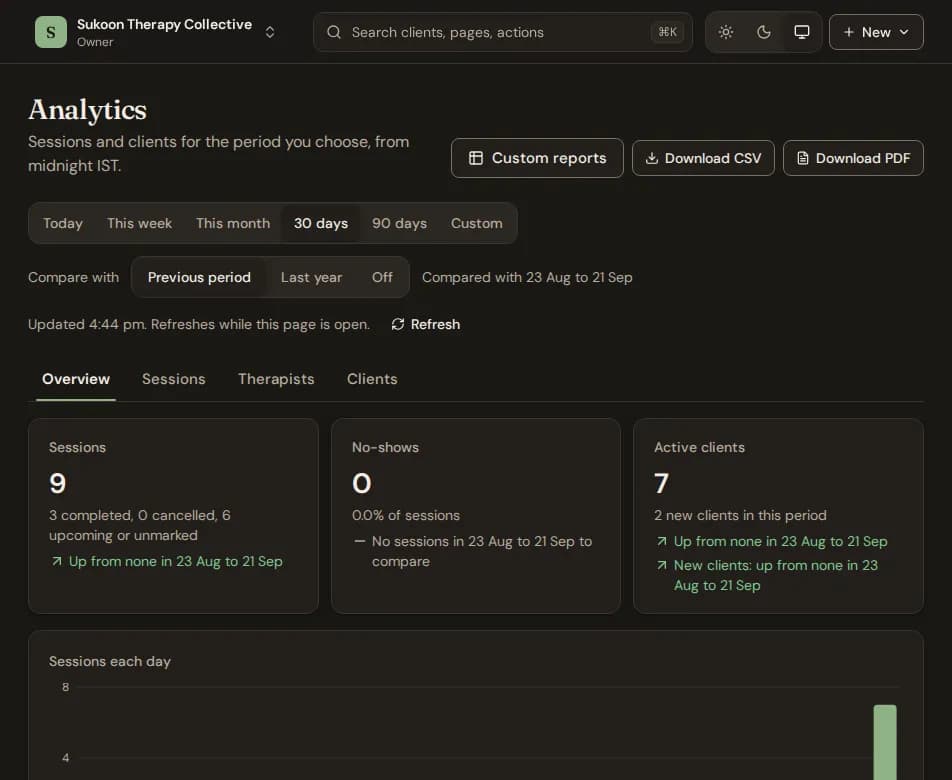
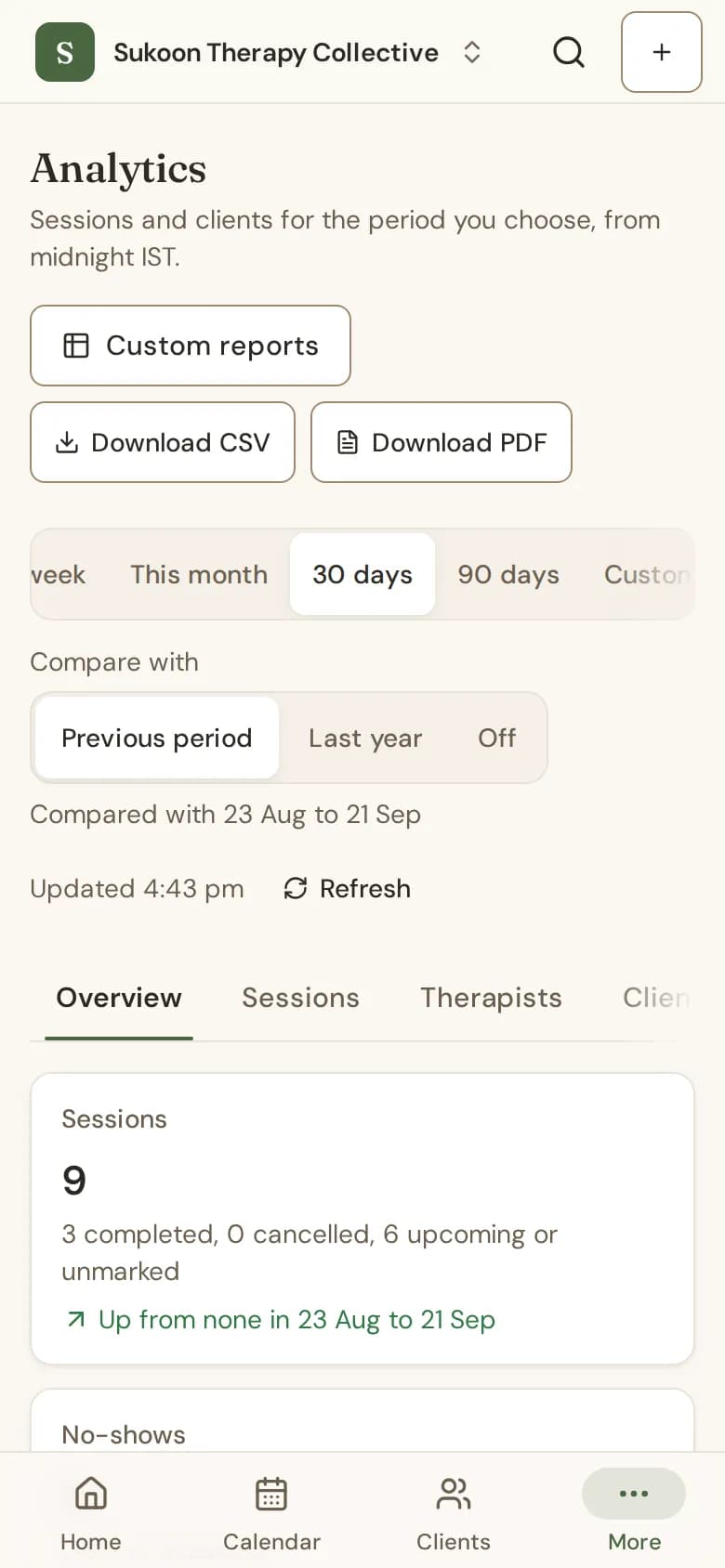
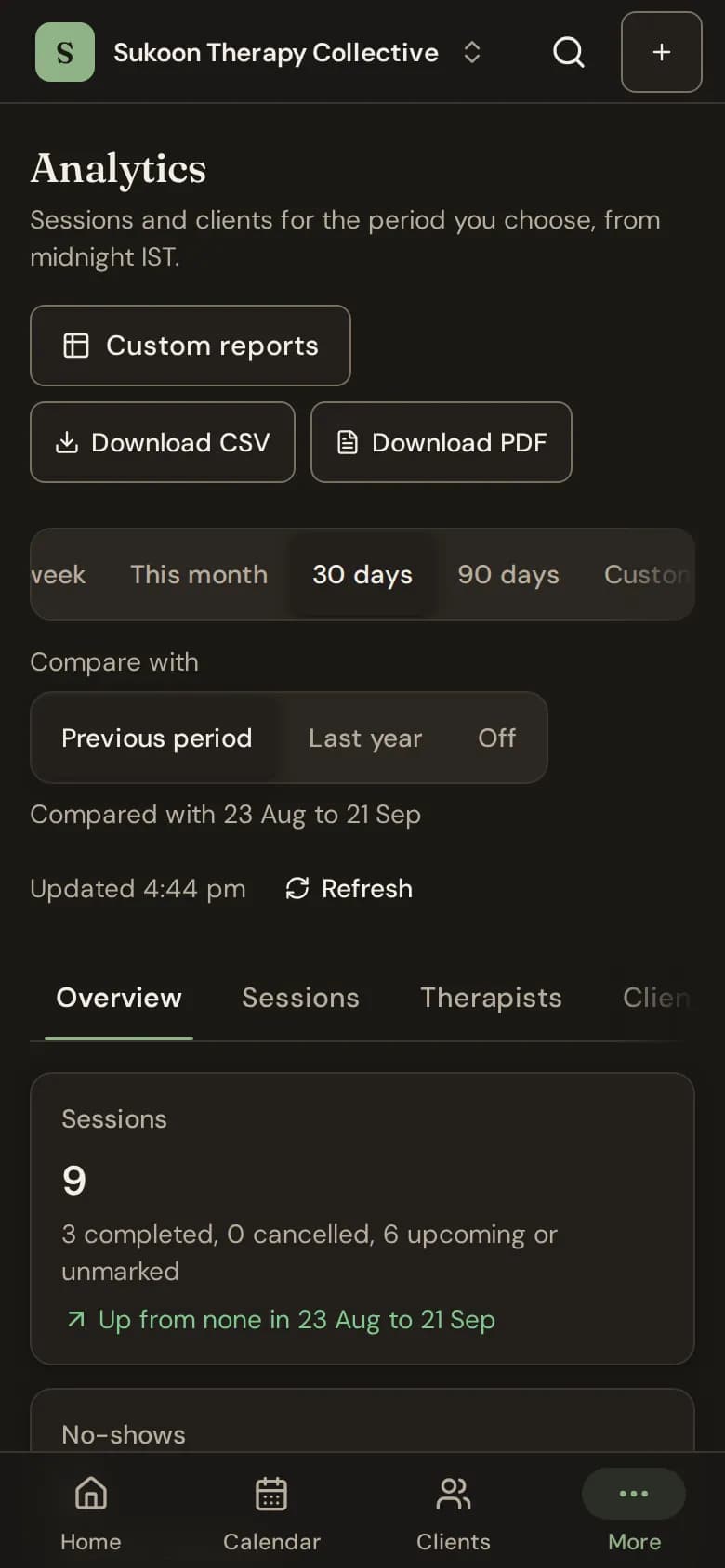
- Each figure says how it changed, such as "Up from 4 in 23 Aug to 21 Sep".
- The page refreshes itself while it is open; Refresh updates it at once.
- Download CSV and Download PDF take the period you chose.
- Someone who cannot see the clinic's reports sees only their own sessions.
- What counts as attended, and the active client window, are set in Policies, under How sessions count.
Billing reports
Go to Billing reports for revenue, outstanding, payments and overdue invoices, with the same comparison. The tabs split it by therapist, service and client, show ageing and payments by method, and link to the GST summary and TDS.
Still stuck? Contact us and tell us what you were trying to do.