Custom reports
Pick a figure, split it the way you need, choose a period, and save the report or add it to the monthly email.
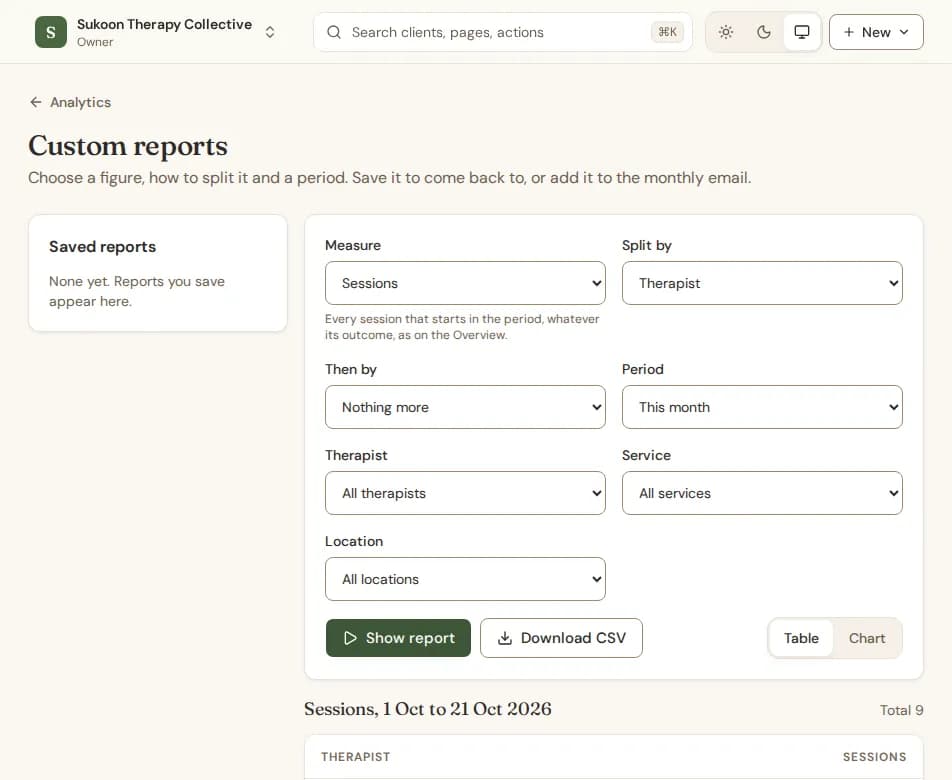
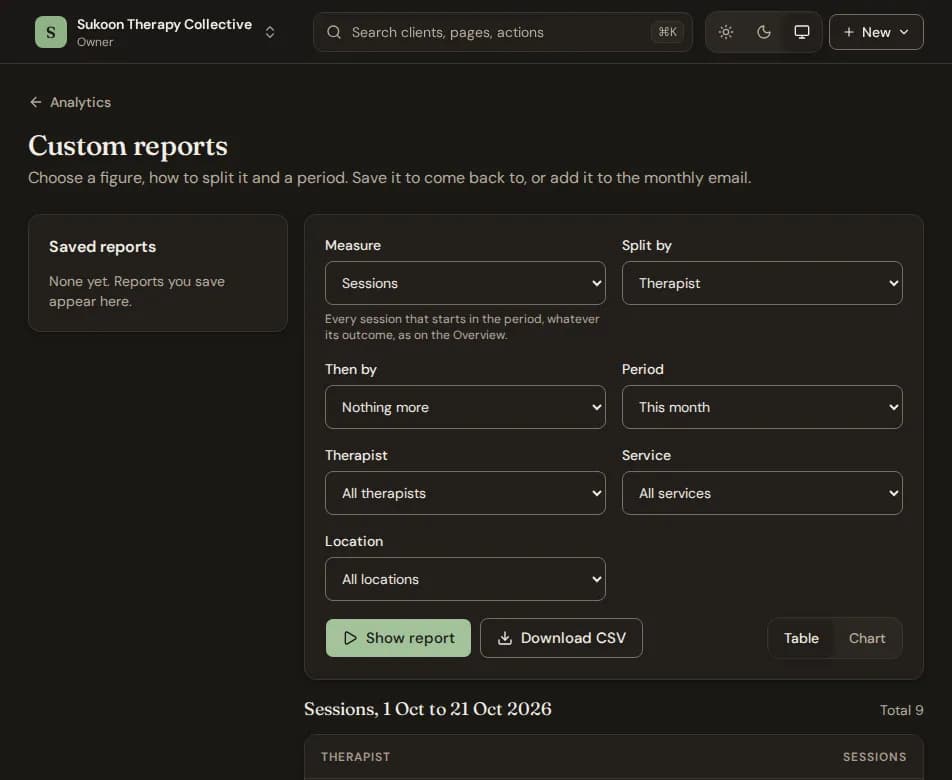
- Go to Analytics and choose Custom reports.
- Pick a Measure: Sessions, No-shows, Cancellations, Utilisation, New clients, Billed or Revenue.
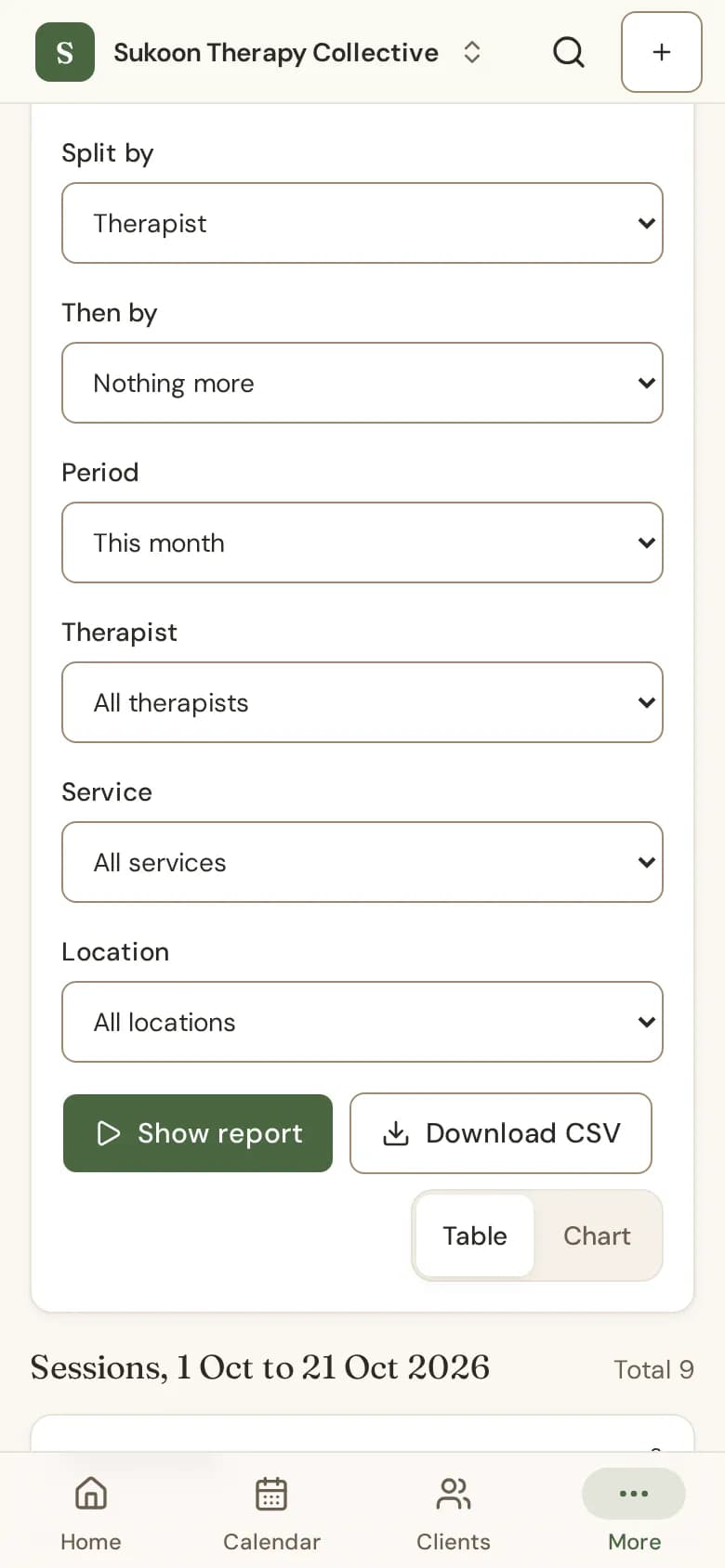
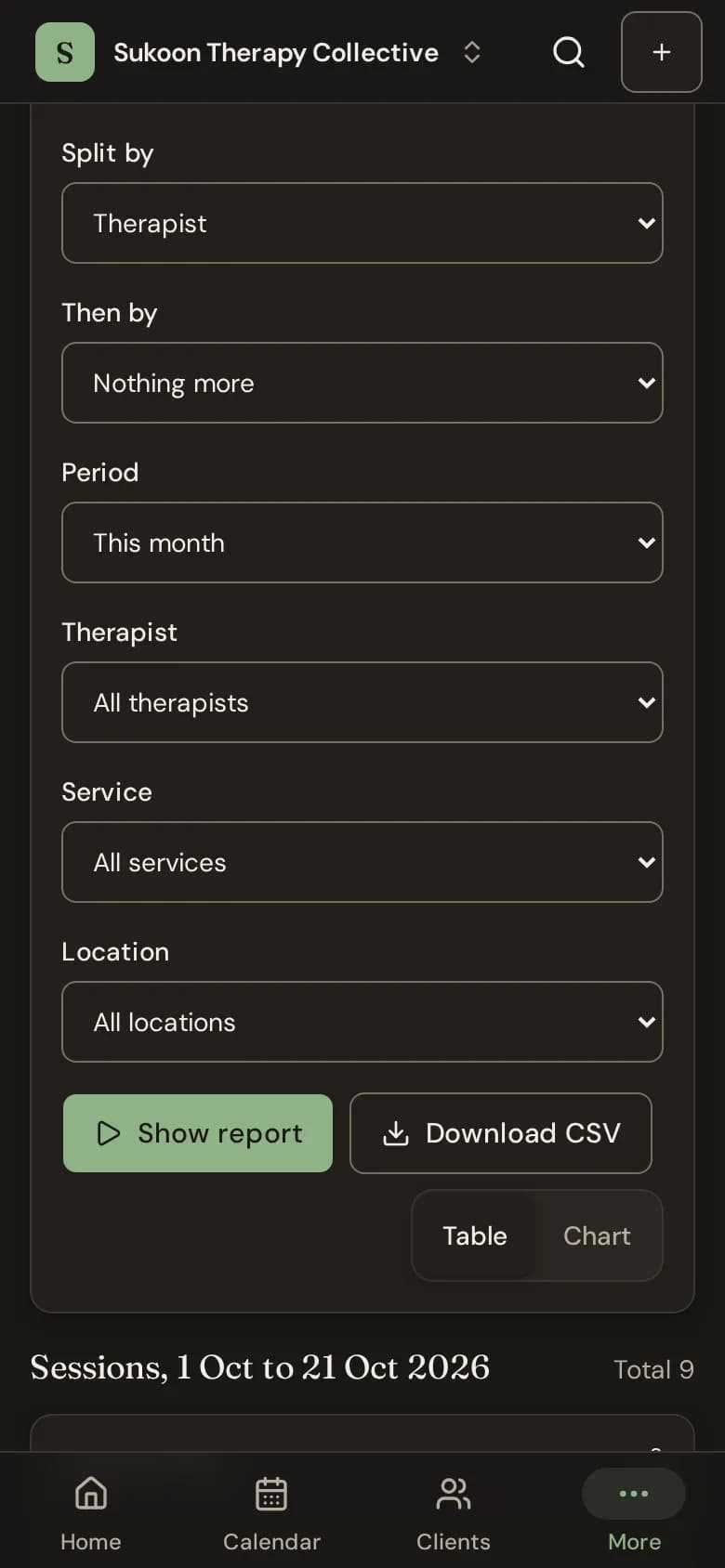
- Choose Split by (therapist, service, location, month or week) and, if you like, Then by.
- Pick the Period and narrow it by therapist, service or location.
- Choose Show report. Switch between Table and Chart, or Download CSV.
Save it
Under Save this report, give it a Name and choose Save report. Saved reports are listed at the top. Tick Add to the monthly email to send it to owners on the 1st, as a CSV for last month.
- Money measures need permission to manage billing.
- Custom reports come with Solo Growth and the Clinic plans.
Still stuck? Contact us and tell us what you were trying to do.