What clients see in the portal
The client's own page at your practice: their sessions, booking, forms, questionnaires, homework, goals and invoices.
Clients reach the portal from a sign-in link: the one you send with Invite to portal, or the See your session button in their booking emails. They need no password. See Invite a client to the portal.
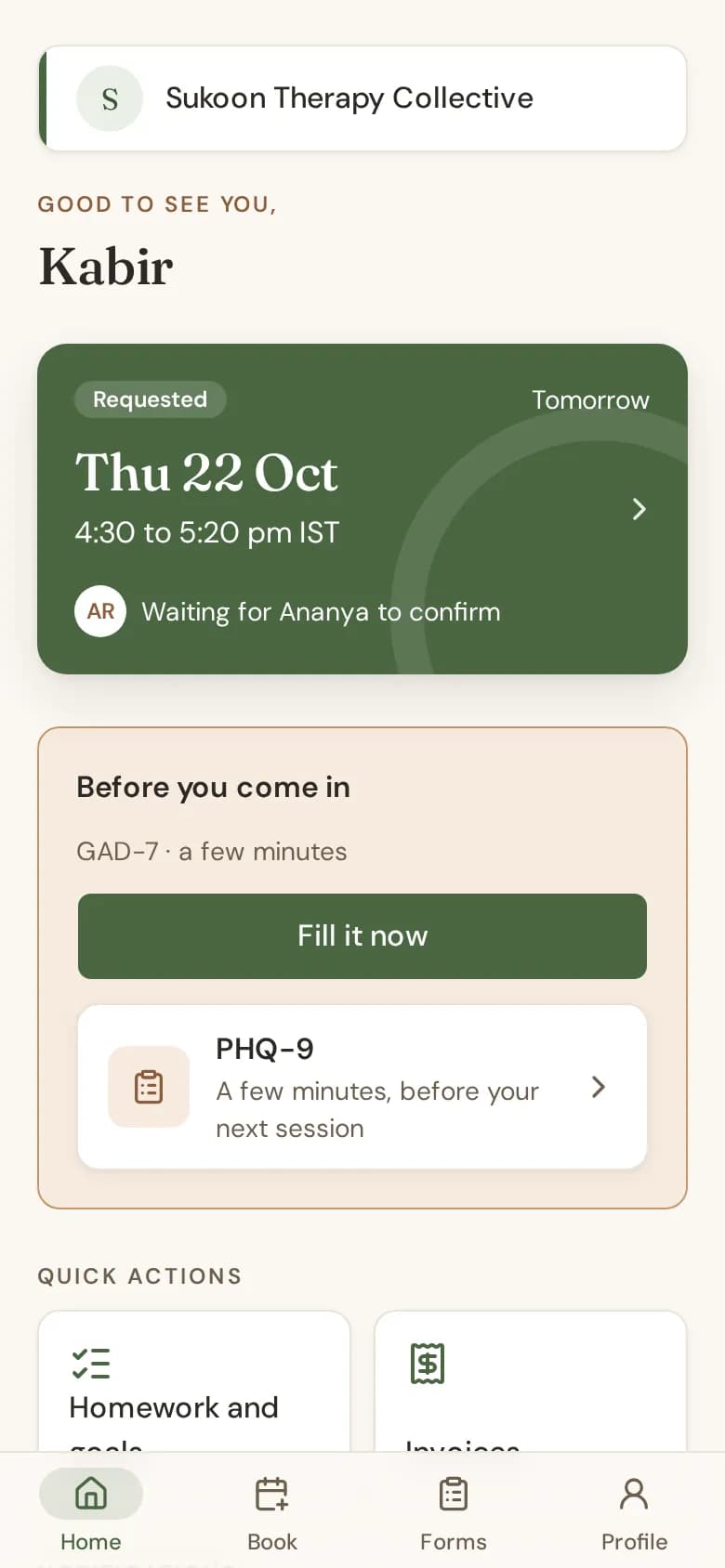
Sessions
- Their next session, with its time in your time zone and its video link when there is one.
- A session they asked for shows "Requested" until the therapist confirms it.
- Where your policy allows, they can choose Move my session (or Ask to move, when the therapist decides) and Cancel session. The session shows your Cancellations and changes rules first.
Booking
Under Book a session, clients pick a service and a time inside your hours and your booking rules. They see their own fee, or "Price varies", never anyone else's. Times you approve automatically are booked at once; others wait for the therapist.
Forms and questionnaires
Forms you send and questionnaires sent to the portal show under Before you come in and in Forms. Clients never see a questionnaire score.
Homework and goals
Under Homework and goals, clients see the tasks you set and mark each one done. Their goals are shown but cannot be changed by them.
Invoices and packages
Under Invoices, clients see their invoices and any session packages, with sessions left.
Paying invoices online in the portal is not switched on yet (online payments are in early access). Clients pay you directly, and you record the payment.
Profile
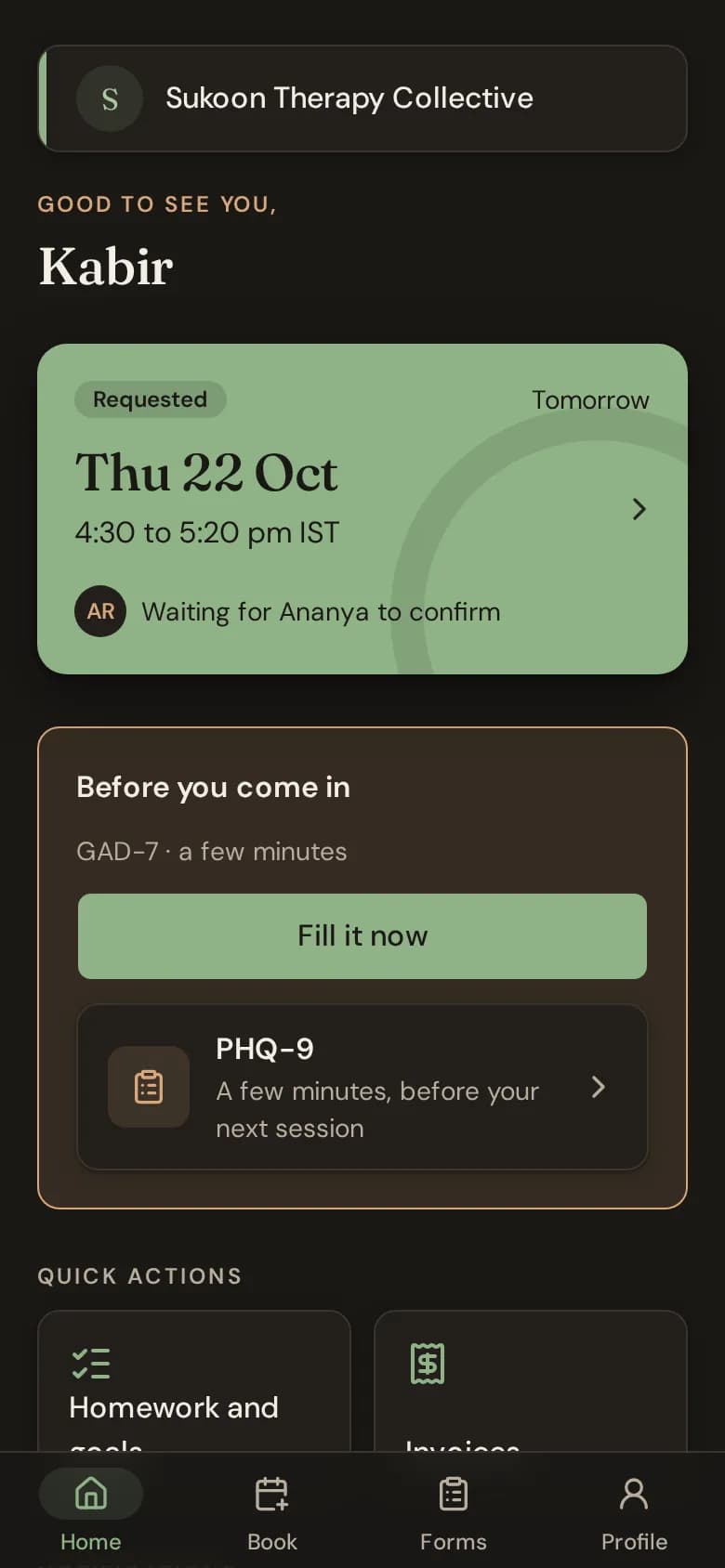
Clients can turn on push notifications on their phone, and choose light or dark appearance.