PHQ-9 and GAD-7 questionnaires
Give a questionnaire in session or send it to the portal, follow scores over time, and act on the PHQ-9 question 9 alert.
Give one in session
- Open the client and choose the Questionnaires tab.
- Choose Give PHQ-9 or Give GAD-7.
- Read each question to the client and choose their answer, then choose Save answers.
Send one to the portal
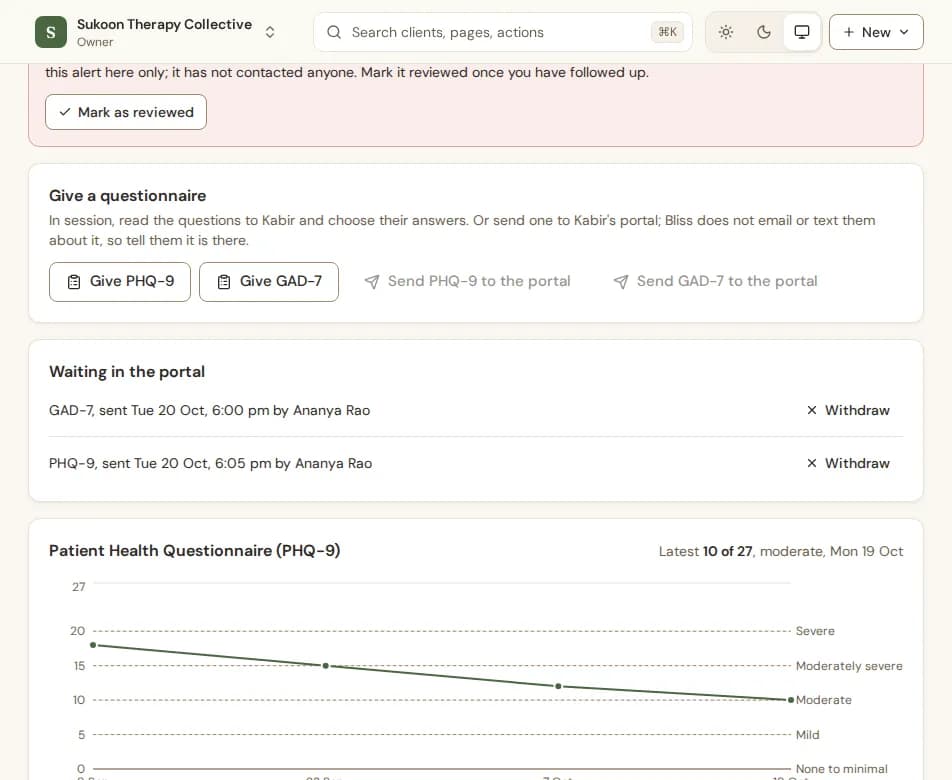
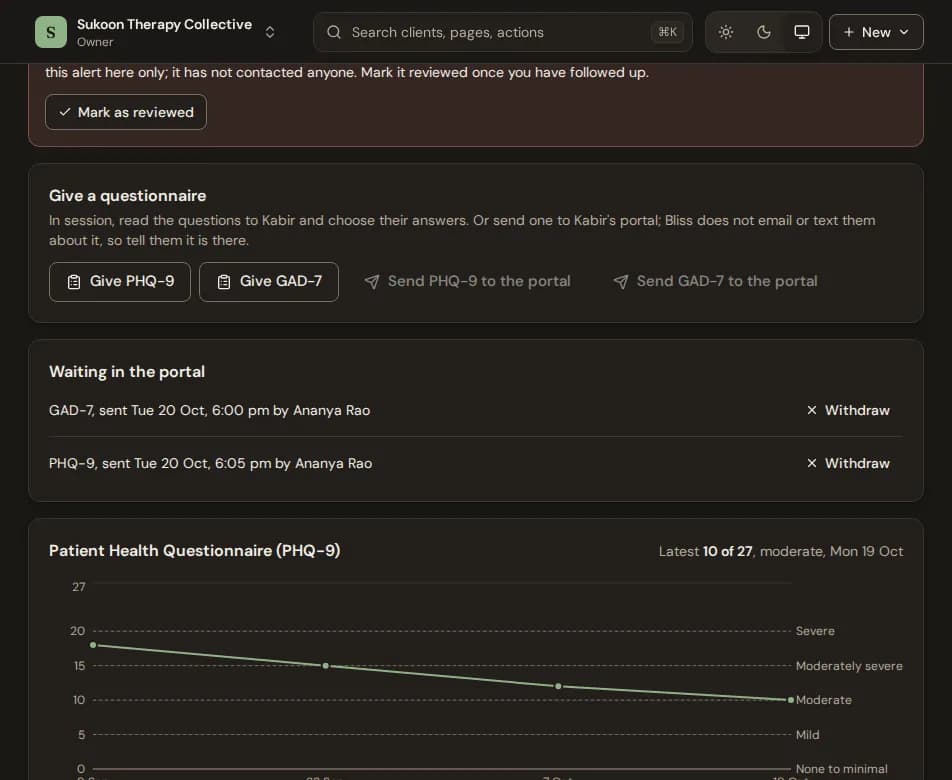
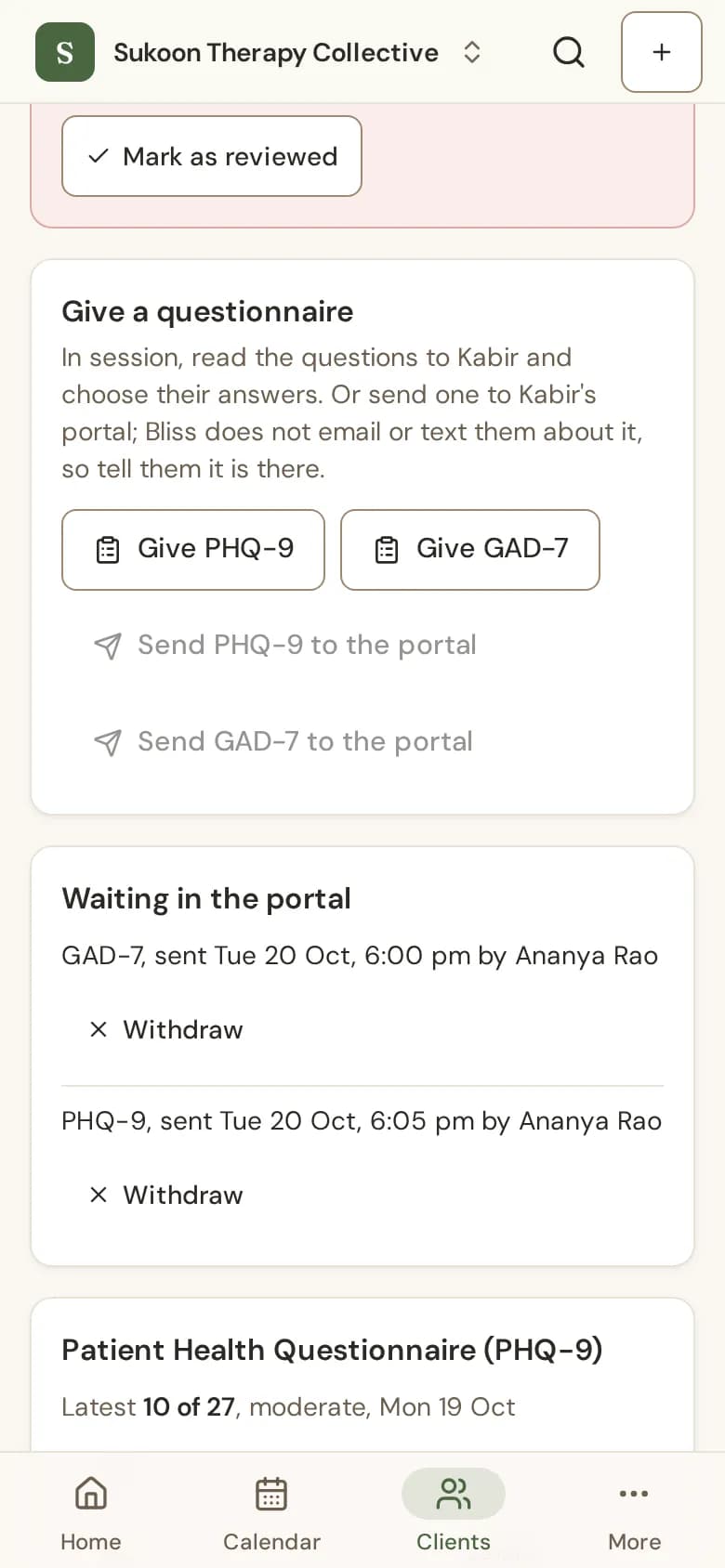
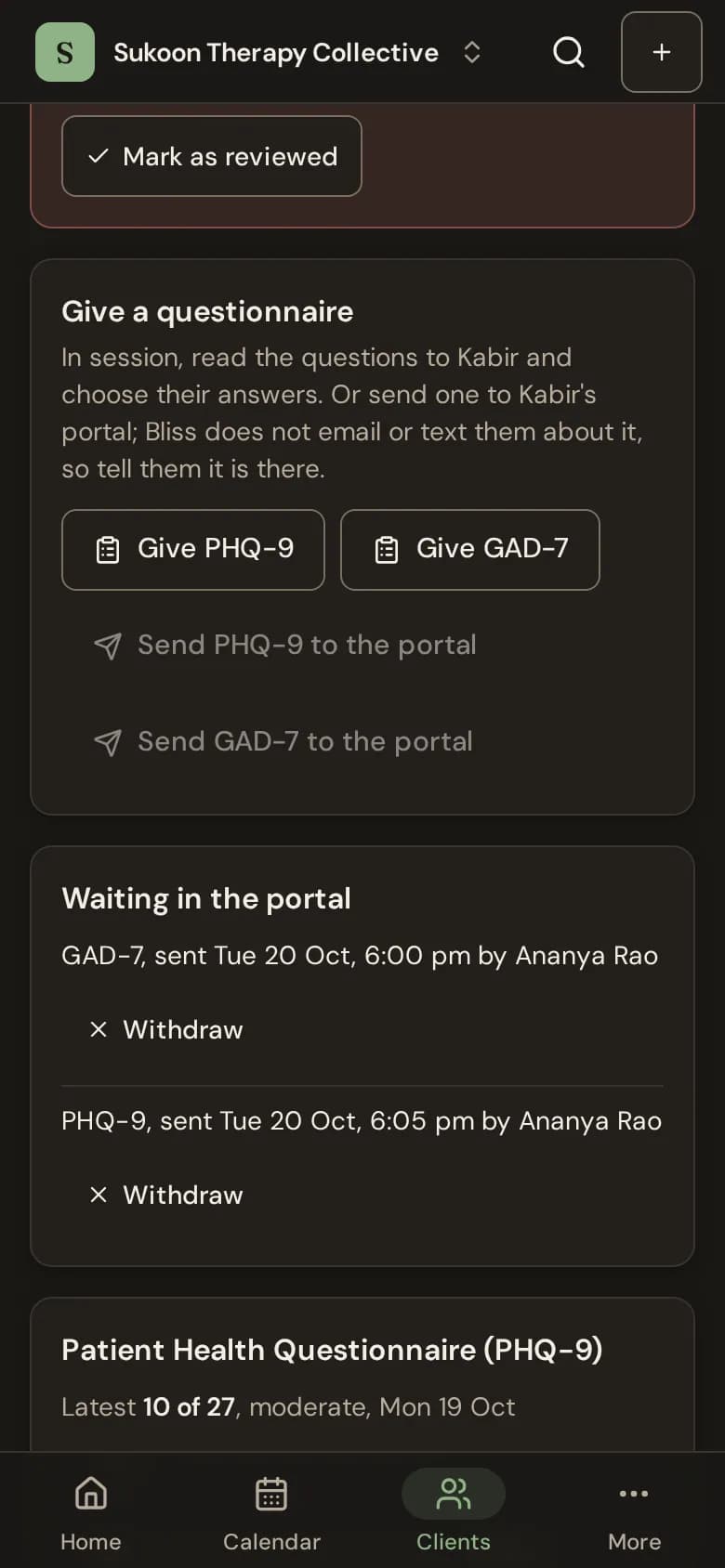
For a client who has joined the portal, choose Send PHQ-9 to the portal or Send GAD-7 to the portal. Bliss does not email or text them about it, so tell them it is there. It waits under Waiting in the portal until they answer; choose Withdraw to take it back.
Scores
Each result shows the total, its band (such as Moderate) and the answers, with a chart over time. Clients never see a score.
The question 9 alert
If a client answers PHQ-9 question 9 (thoughts of being better off dead or of hurting themselves) with anything other than "Not at all", Bliss raises an alert for the client's care team: their therapist and supervisor, or, if they have none, the people who can read all clinical notes.
- It shows first under Needs your attention on Home, as a card on your day, and as a banner on the client's Questionnaires tab.
- It stays until one of them follows up and chooses Mark as reviewed.
- Bliss shows the alert in Bliss only. It does not contact anyone, and it is not a crisis service.
- In the portal, after answering, clients are told the care team at the clinic will see their answers, and are given 112 and Tele-MANAS (14416), public services Bliss does not run.