Add a client
A name and a phone number or email is enough. If the client is already in Bliss, it points you to their page instead.
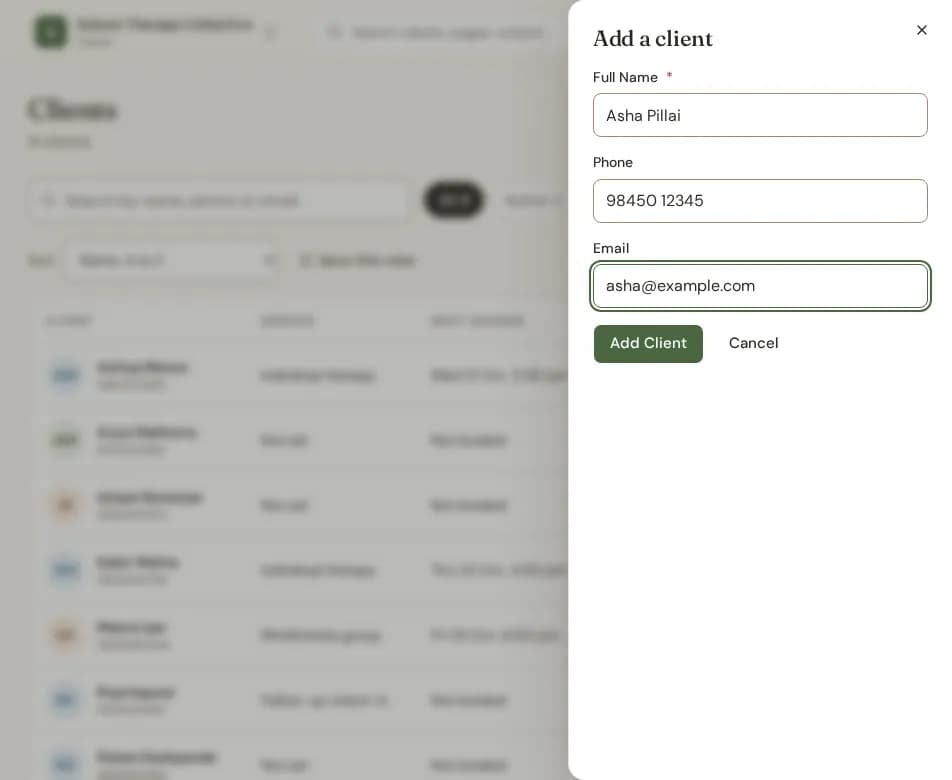
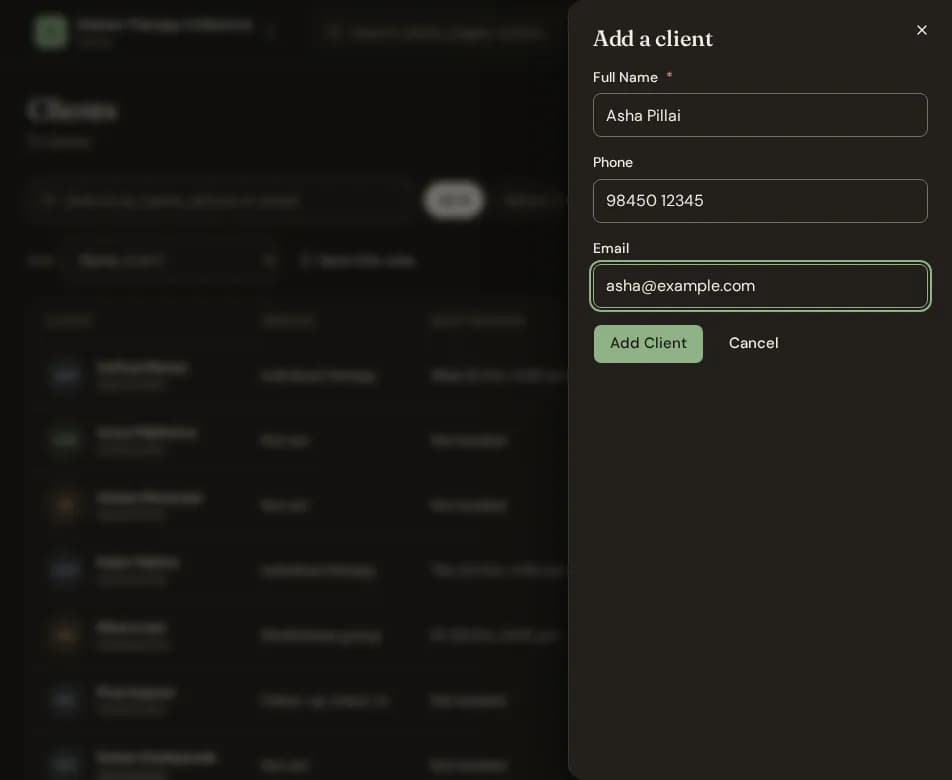
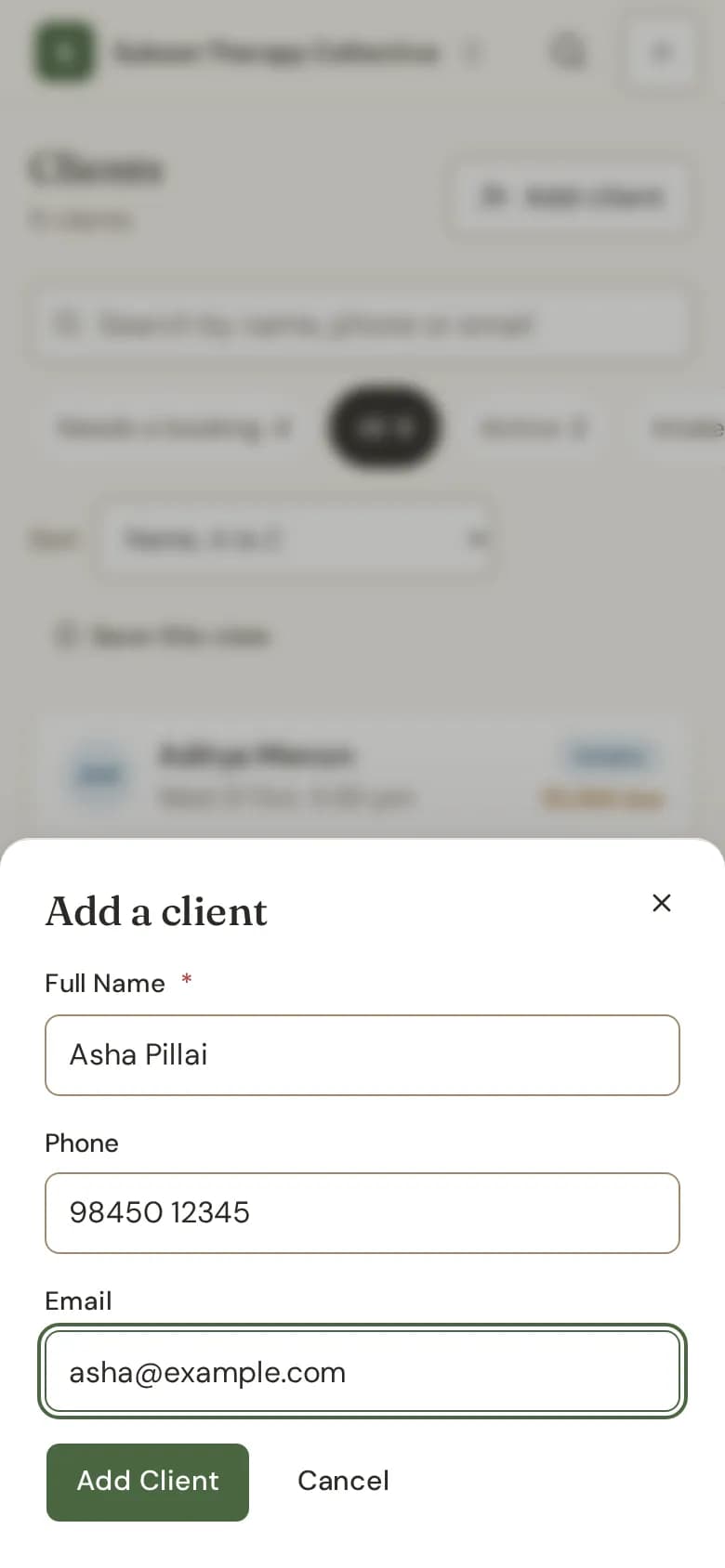
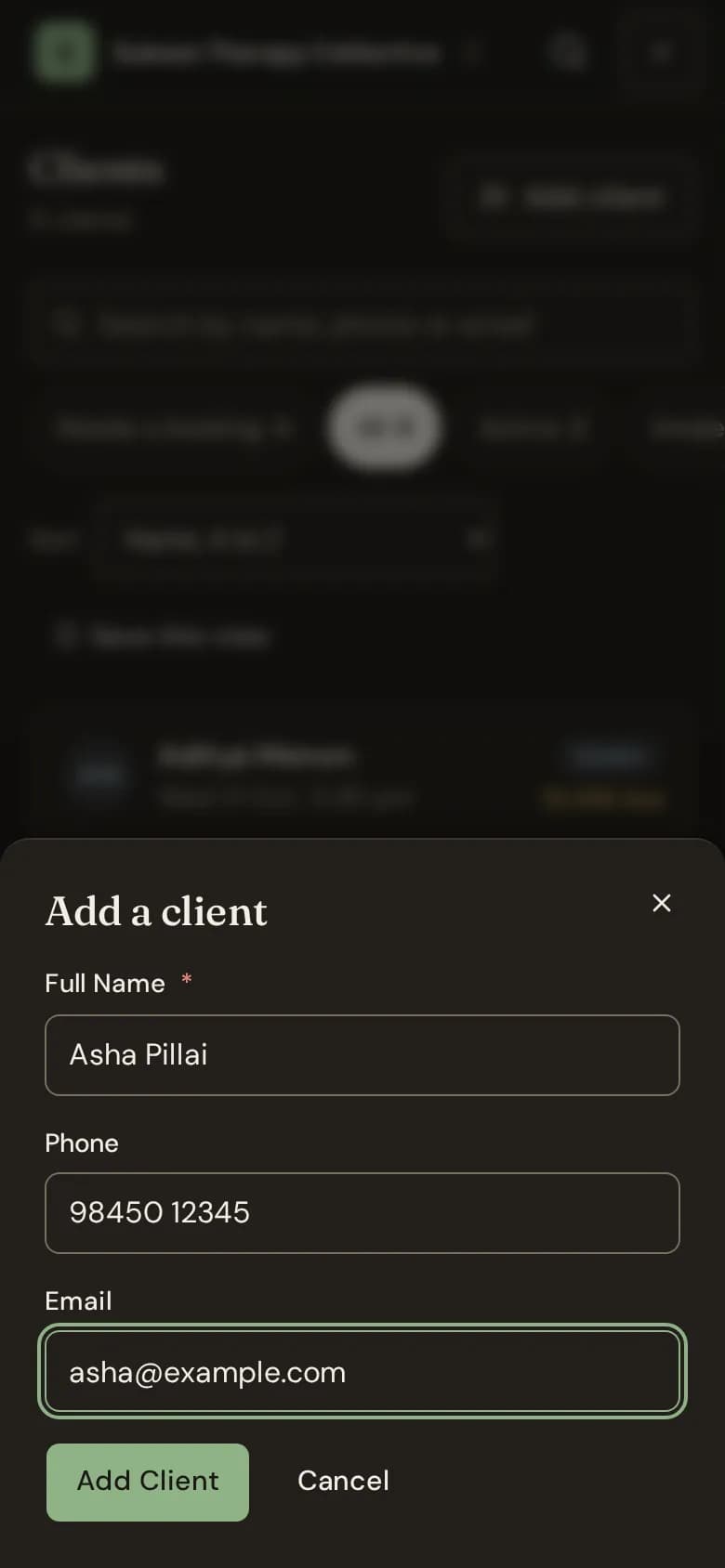
- Go to Clients and choose Add client. Or, from any page, choose New, then Client.
- Type the client's Full Name.
- Add their Phone, their Email, or both.
- Choose Add Client.
If they are already a client
If the email or mobile number matches a client you already have, Bliss does not add a second record. It says the person is already a client and offers Open their page. Mobile numbers are matched on the whole number.
Adding a client while you book
On the booking form, choose + Add a new client under Client. The new client is picked for the session straight away.
Good to know
- An email lets Bliss send the client their booking confirmations, reminders and invoices.
- Your plan includes a number of active clients. Your home page shows how many you have used.
- A therapist who sees only their own clients is linked to the clients they add.
Still stuck? Contact us and tell us what you were trying to do.