Set a client's own fee
Charge an ongoing client a different fee for a service: open the client, then Billing, then Fees. Every session not yet invoiced uses it.
Many clients pay something other than your standard price: an older rate, a concession, a sliding scale. Set it once on the client's page, and Bliss bills it from then on.
- Open Clients and choose the client.
- Choose the Billing tab.
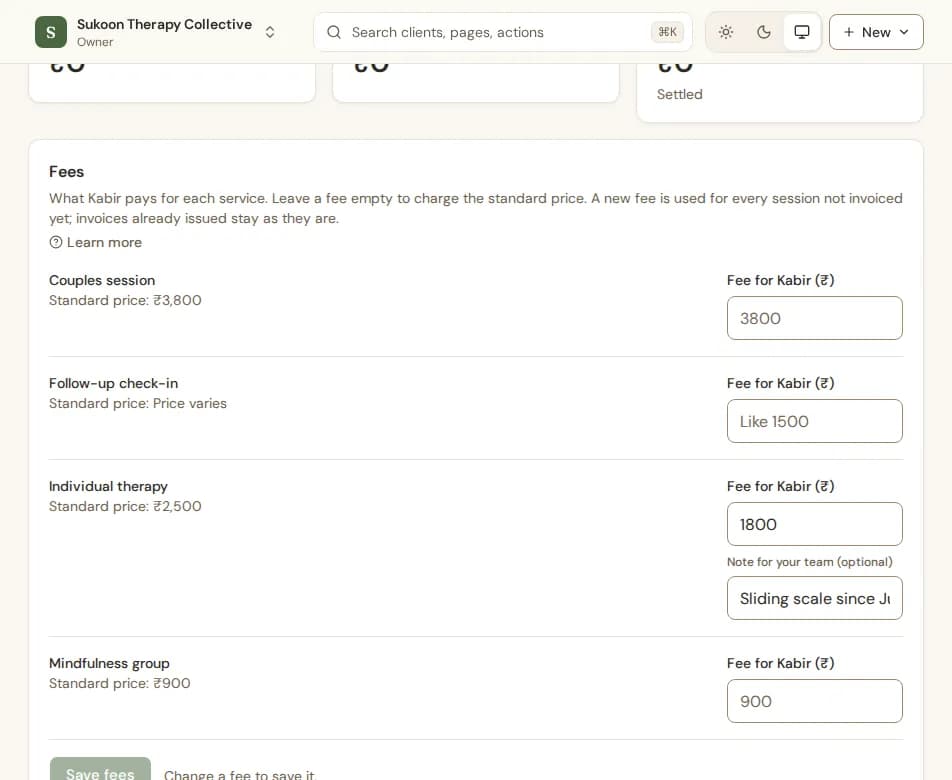
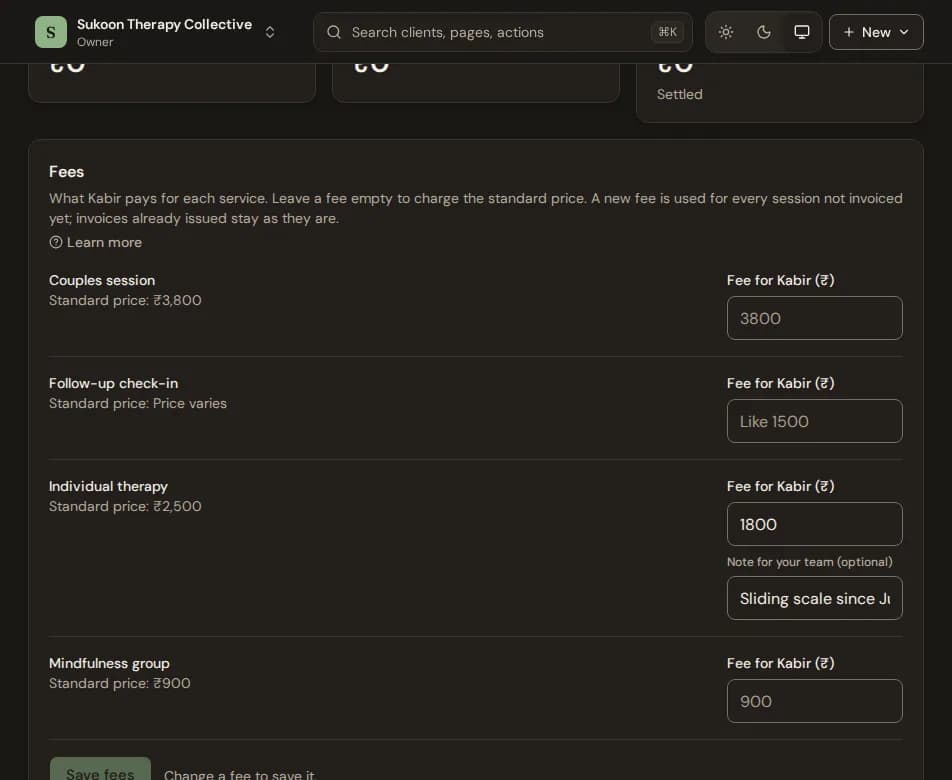
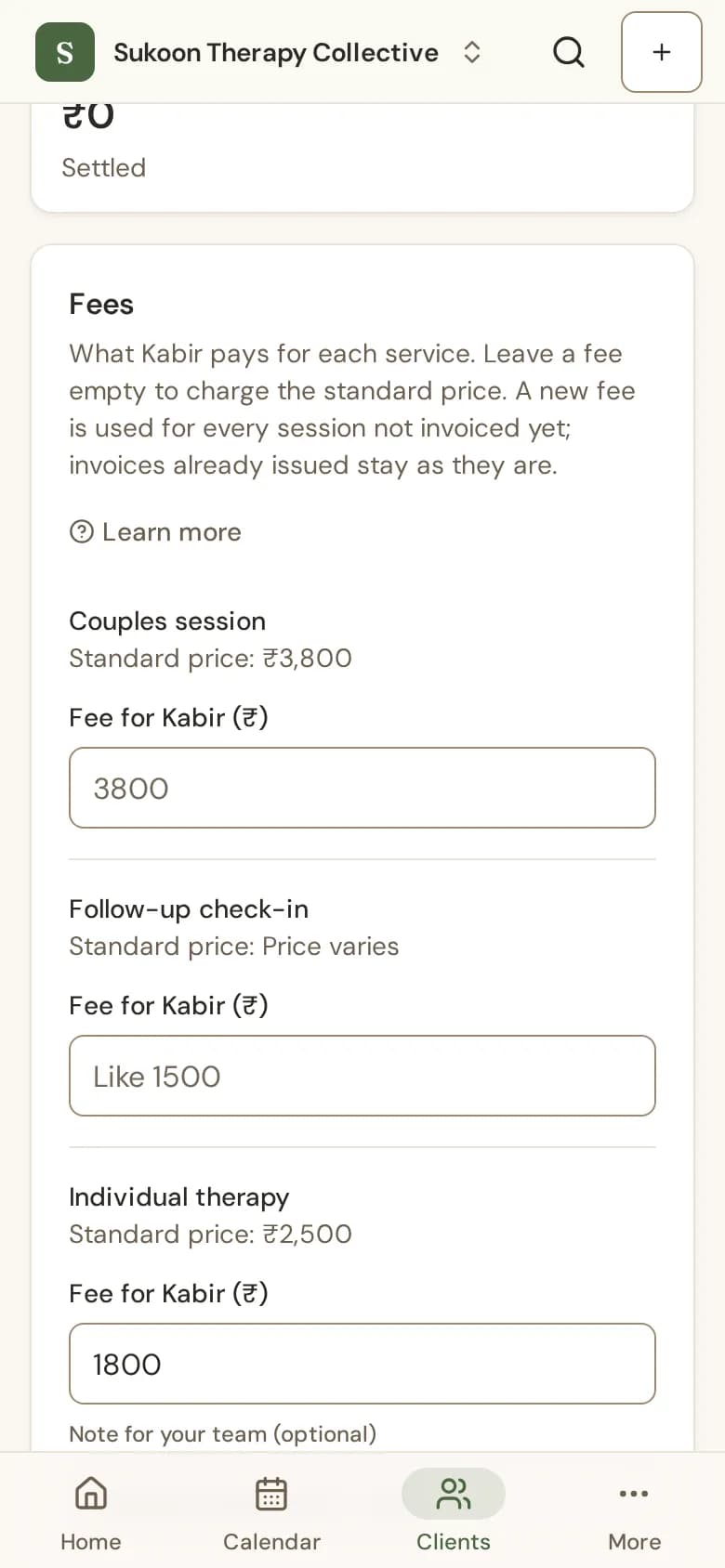
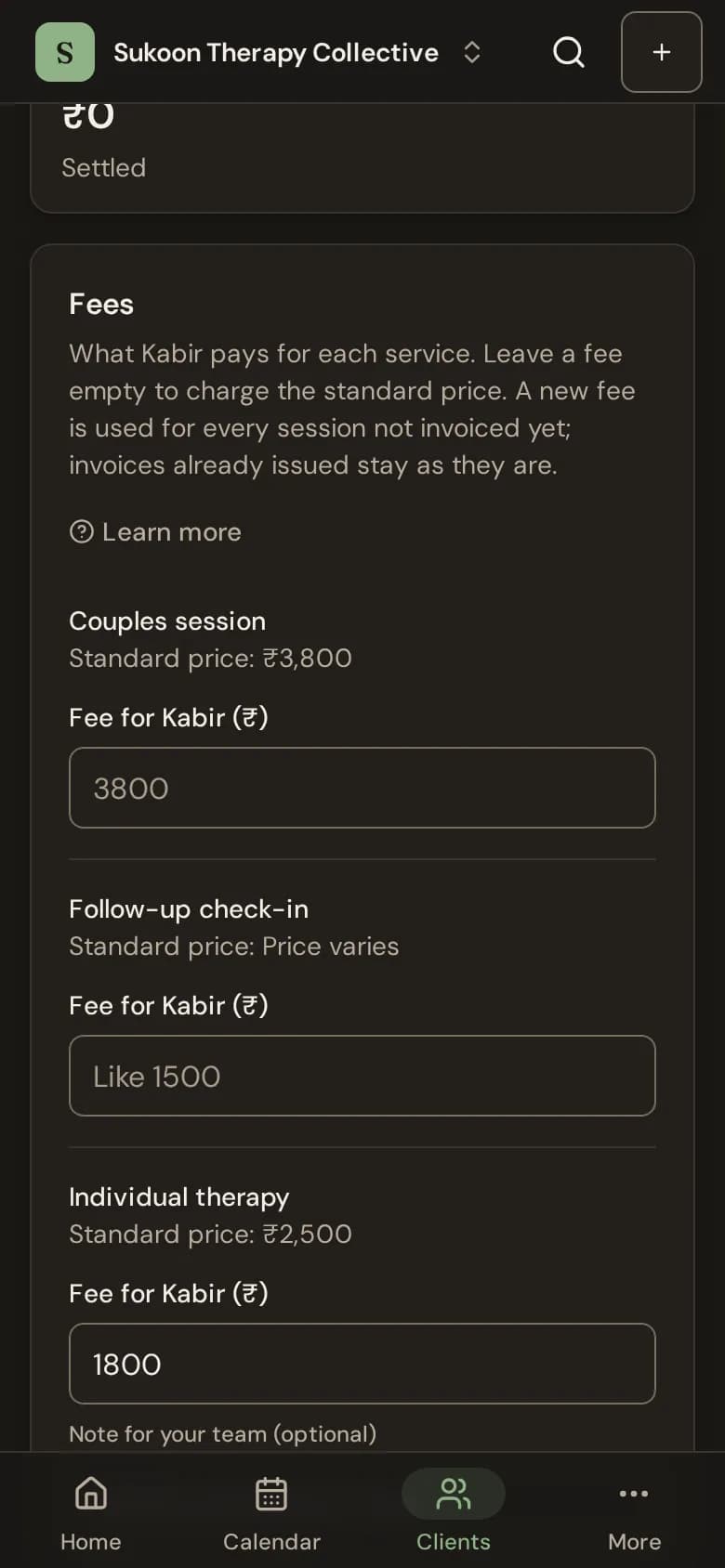
- Find the Fees card. Each of your services is listed with its standard price.
- Beside the service, type the client's fee in the box named after them, such as Fee for Kabir (₹). Leave it empty to charge the standard price.
- Add a Note for your team if you like, such as "sliding scale".
- Choose Save fees.
What the fee changes
- Every session of that service not invoiced yet is billed at the new fee, including sessions already booked.
- Invoices already issued stay as they are.
- A fee set for one particular session still wins over it. See A different fee for one session.
- The client sees their own fee in their portal, never the standard price or anyone else's fee.
- To go back to the standard price, clear the fee and choose Save fees.
Who can set fees
People who manage billing (owners and admins, unless your clinic changed the roles) can set fees. People who can only view billing see the fees without the boxes.
You can also set a client's fee while booking: type a different fee and choose the client's service "from now on".
Still stuck? Contact us and tell us what you were trying to do.