Book your first session
Right after setup, add a client you are seeing this week and pick a time. Or try it on yourself first.
When your practice is ready, Bliss shows Book your first session. It needs only a client and a time.
- Type the Client's name and Client's mobile. To use an email instead, choose Use email instead.
- Pick a Day and a time.
- Under Where, choose online or one of your places.
- Check the line under the times: the service, length, fee, therapist and place.
- Choose Book and send confirmation (with only a mobile number, the button reads Book the session).
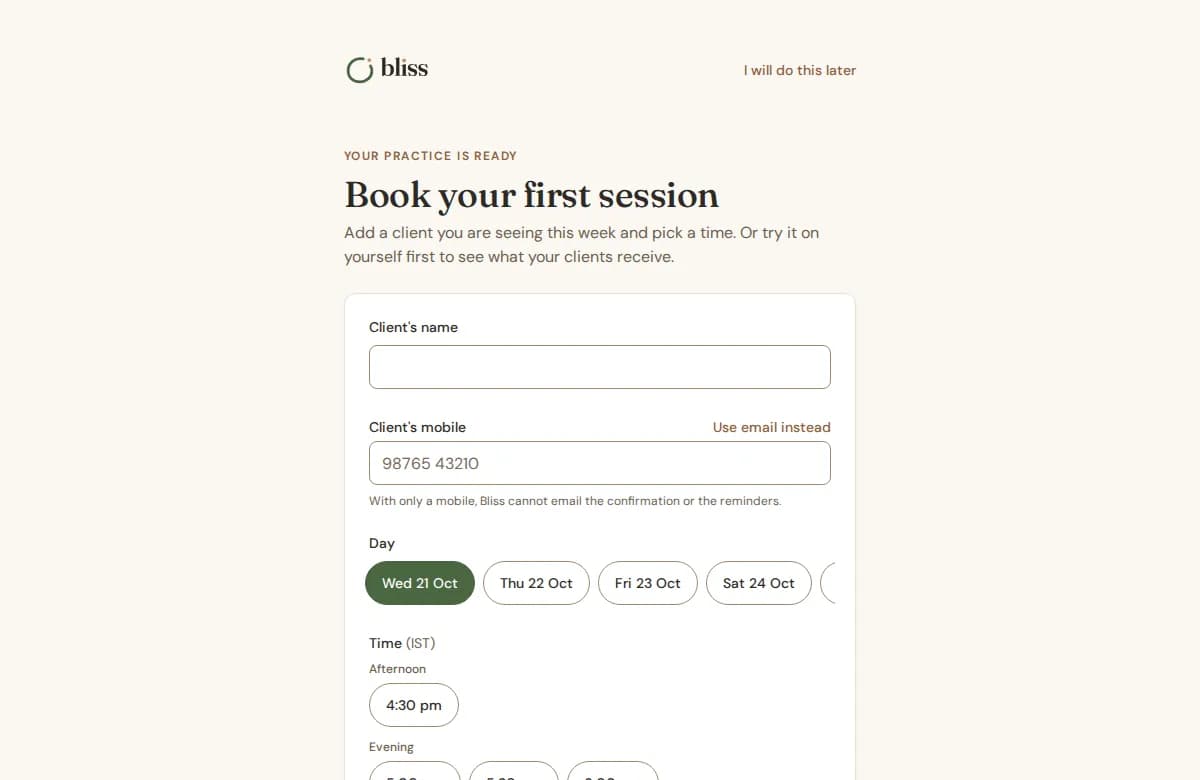
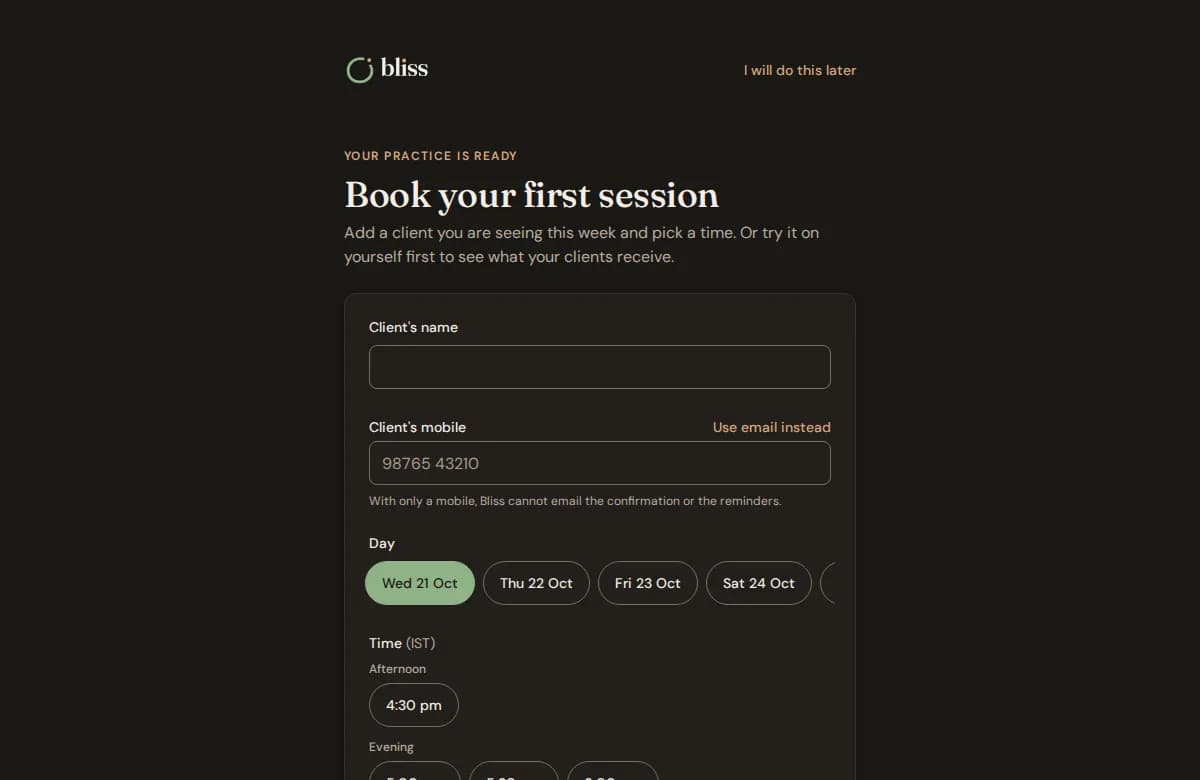
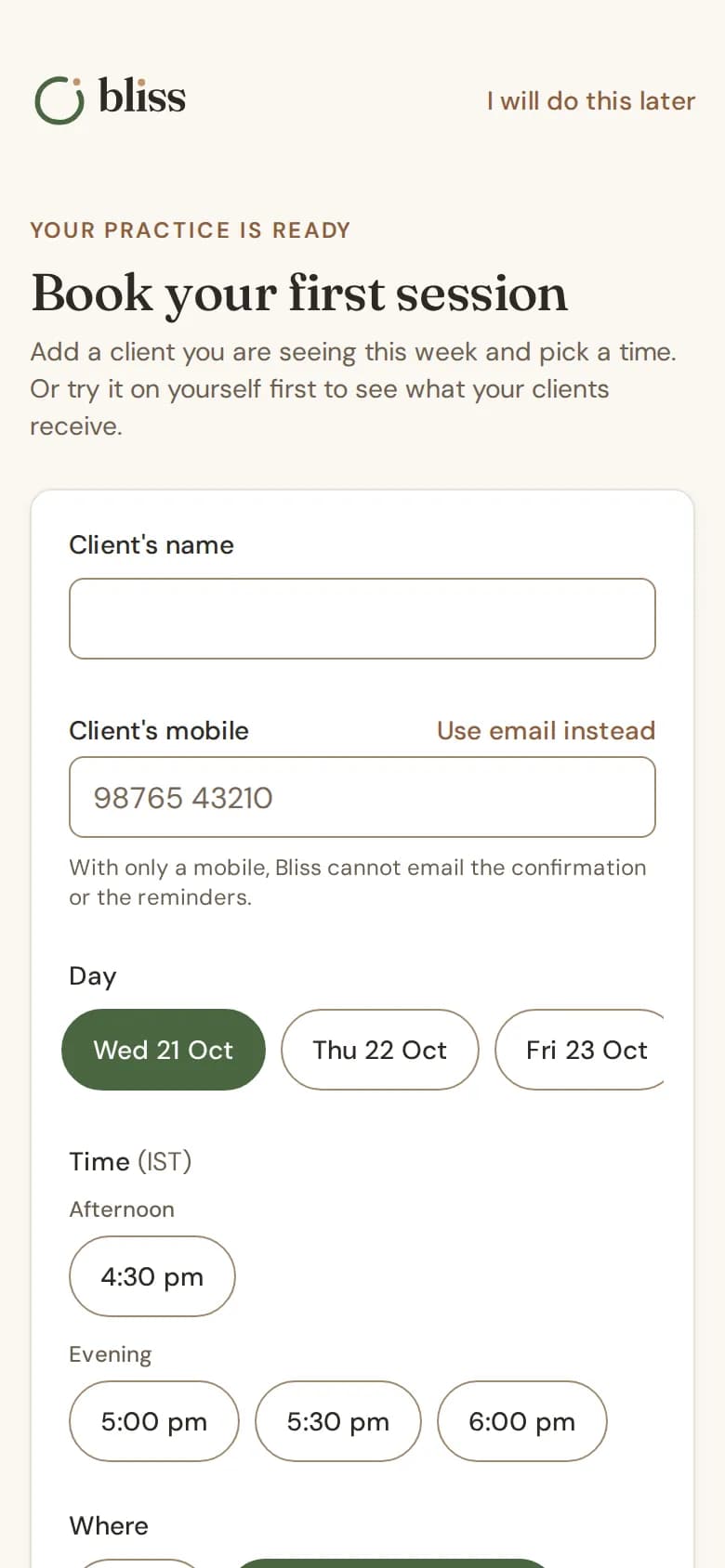
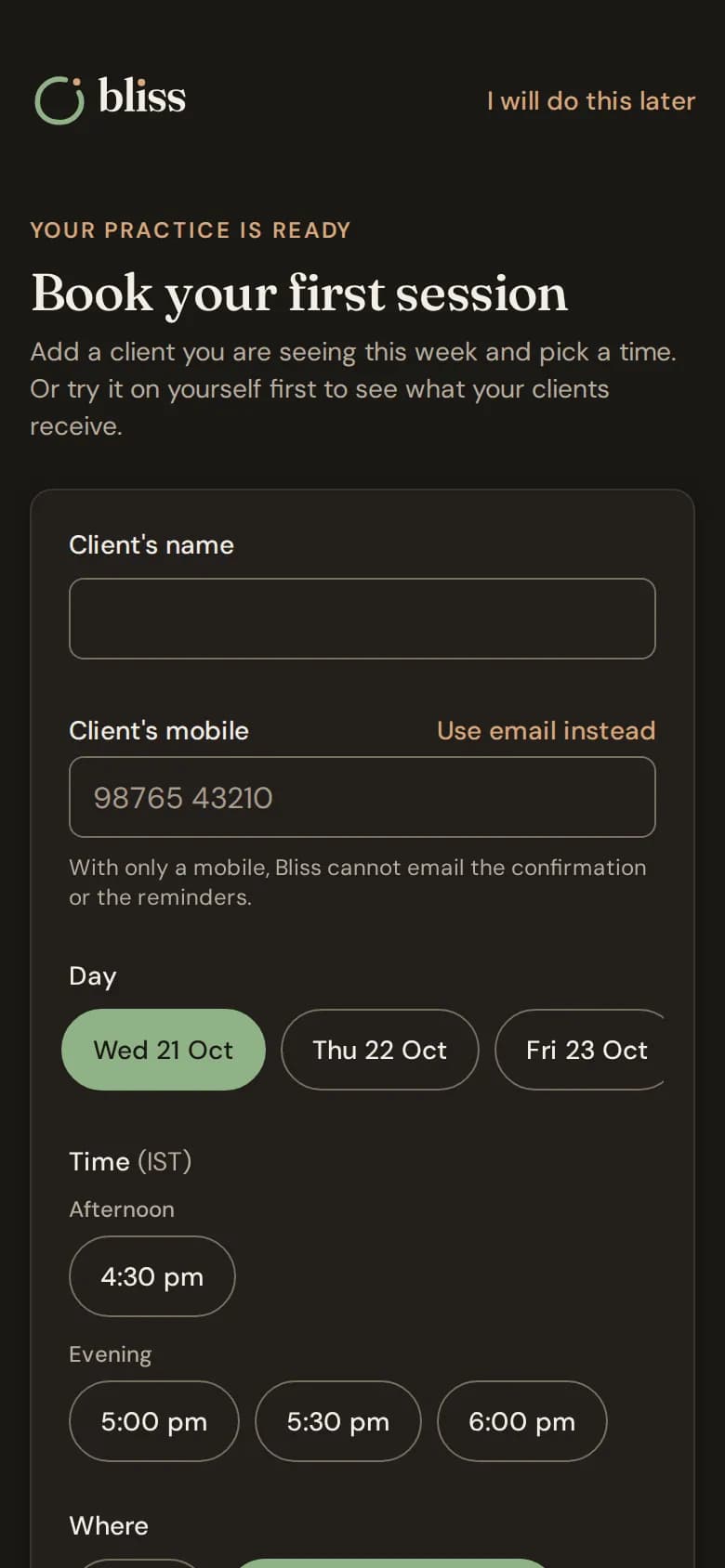
With only a mobile number, Bliss cannot email the client the confirmation or the reminders. Add an email if you have one.
Try it on yourself first
Choose Book a sample session to book the time you picked with you as the client. The confirmation and reminders go to your own email, as a client would get them. A sample does not count toward your plan or in your figures, and you can remove it.
Not ready yet?
Choose I will do this later. You can book any time from New, then Appointment. See Book a session.
Still stuck? Contact us and tell us what you were trying to do.