The setup checklist
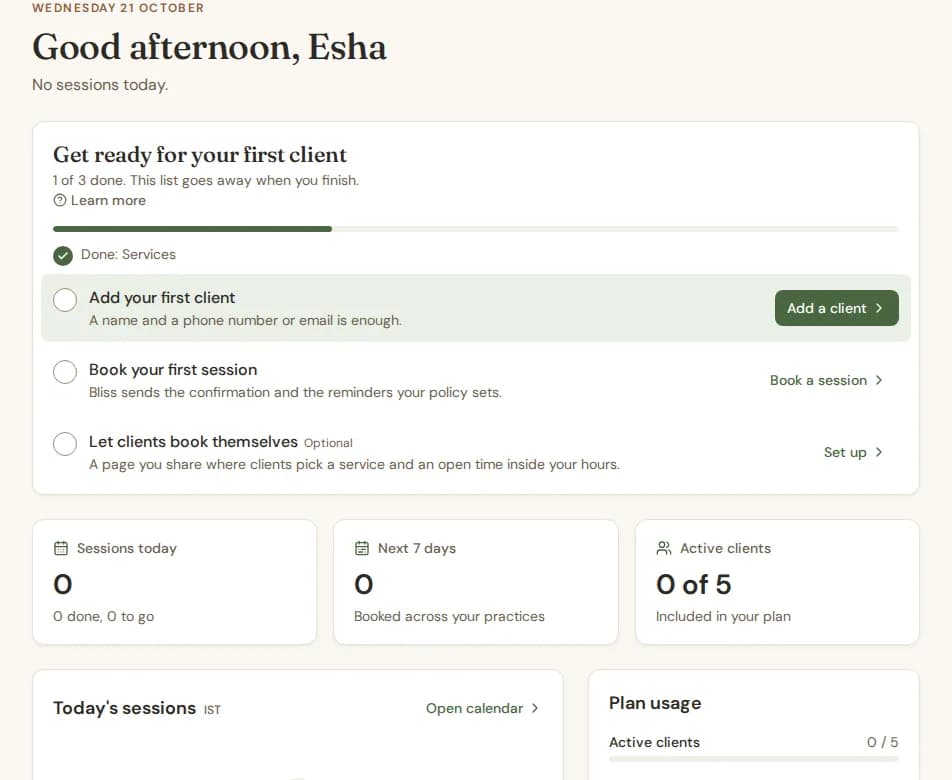
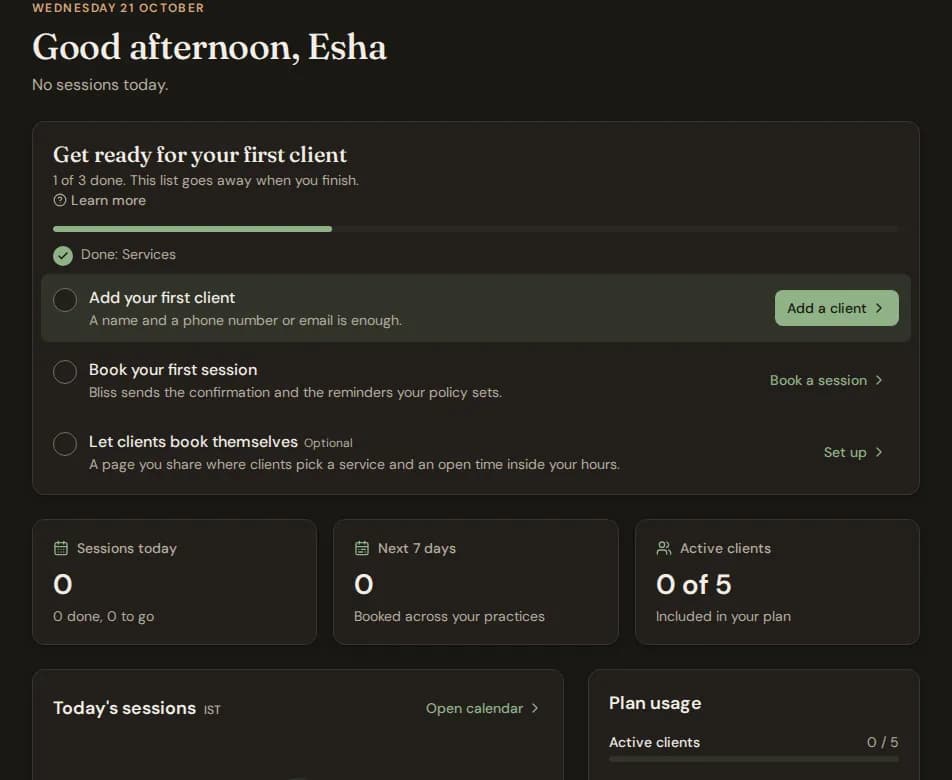
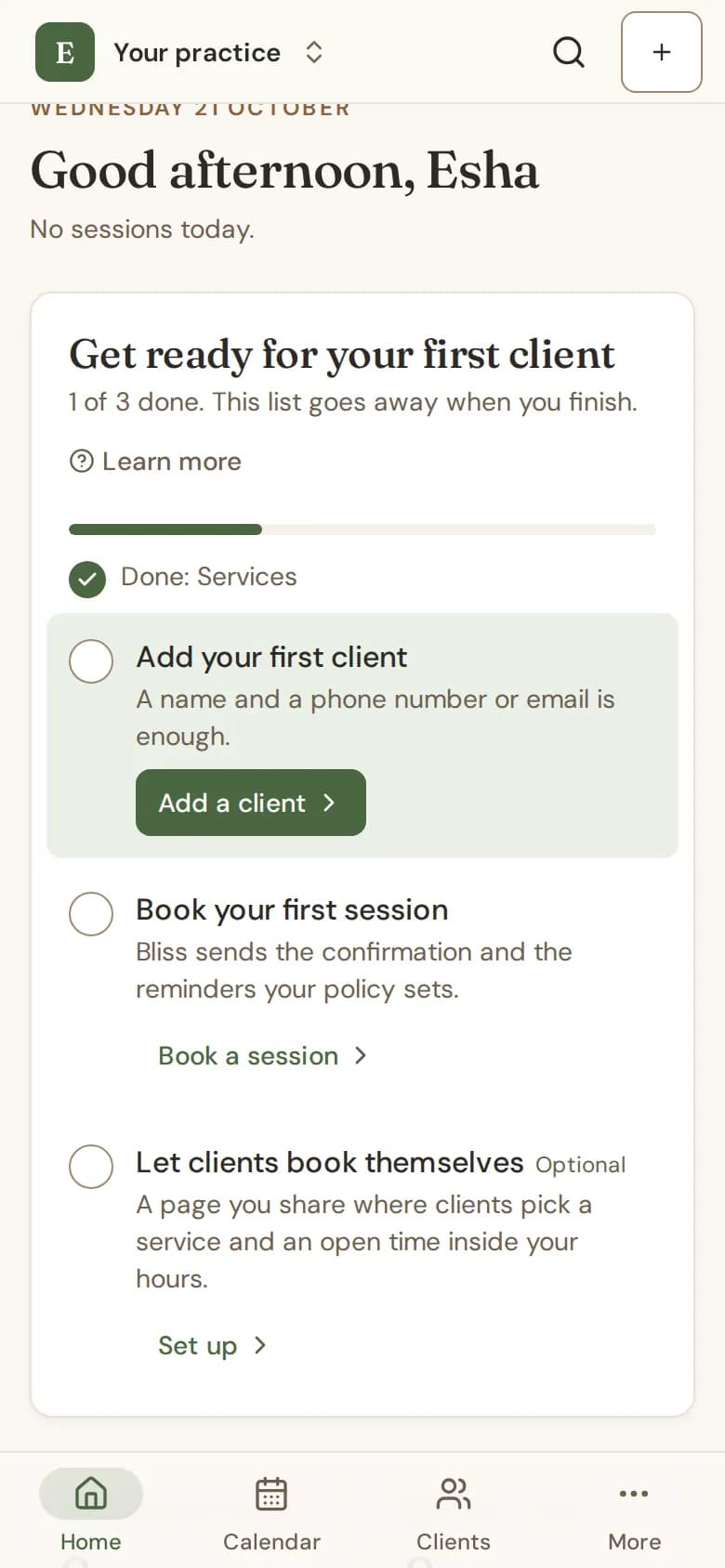
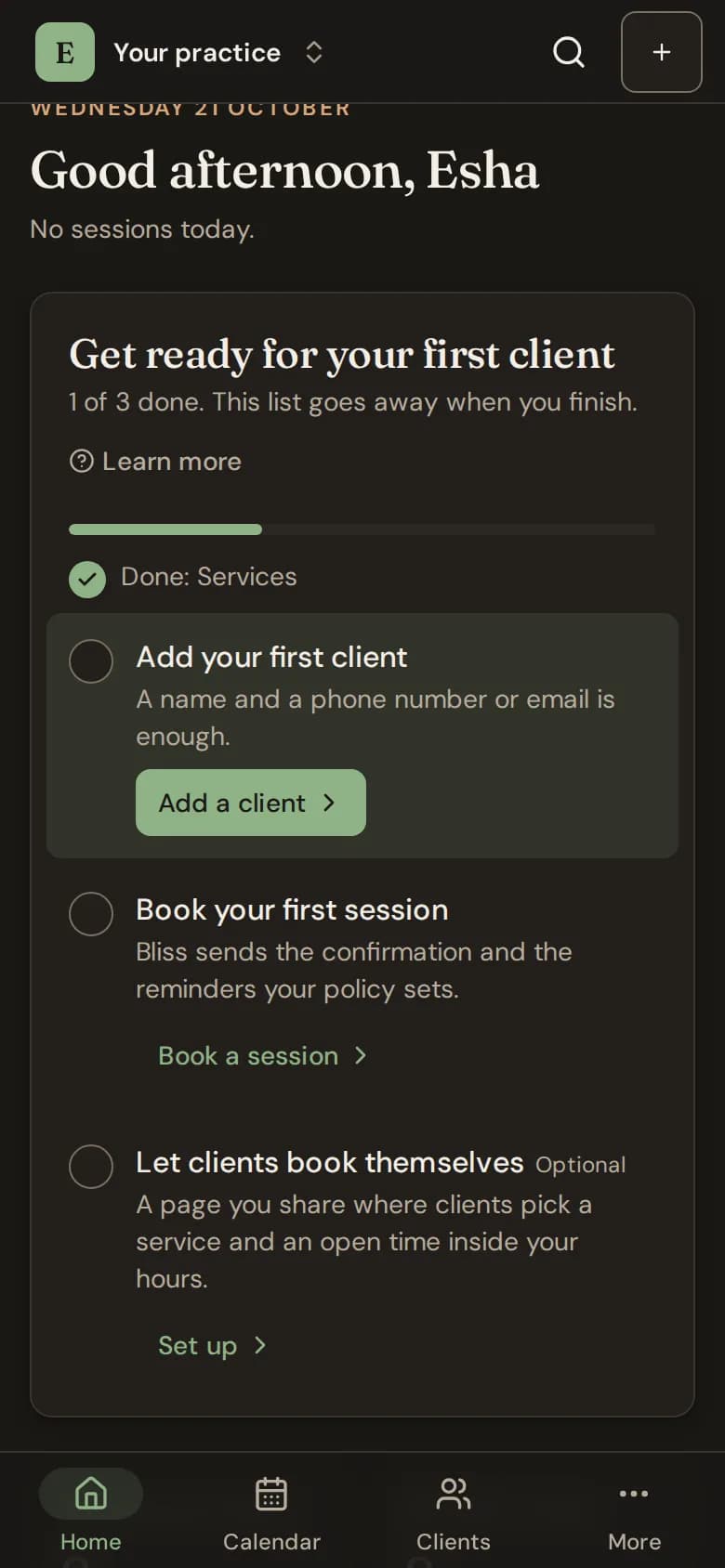
A card on your home page walks you to your first booking. Each step ticks itself, and the card goes away when you finish.
Until your practice is ready, your home page shows a card called Get ready for your first client (after your first booking, Finish setting up). Each step has a button that takes you to the right page.
The steps
- Add the sessions you offer: a service with its length and fee, so bookings and invoices fill in by themselves.
- Add your first client: a name and a phone number or email is enough.
- Book your first session: Bliss sends the confirmation and the reminders your policy sets.
- Set your working hours: for therapists. Clients who use your portal can book only inside these hours.
- Invite your team: for clinics. Therapists and front desk join with a link you share.
Some steps are optional and say so:
- Let clients book themselves: for your own practice. A page you share where clients pick a service and an open time inside your hours.
- Choose a Clinic plan: for clinics. The free plan has one therapist seat.
How it ticks off
- You never tick a step by hand. Bliss looks at what you have set up, so adding a service ticks Add the sessions you offer.
- You see only the steps you are allowed to do. A therapist in a clinic sees their own hours, for example, not the clinic's services.
- When every required step is done, the card goes away. Optional steps you have not done stay in a smaller card until you do them or dismiss them.
Still stuck? Contact us and tell us what you were trying to do.