Cancellation policy and no-show fees
Set when clients can cancel online, and the fee for a late cancel or a no-show. Bliss never charges a fee by itself: you confirm or waive each one.
Set your rules
- Go to Clinic settings (in your own practice, Practice settings), then Policies.
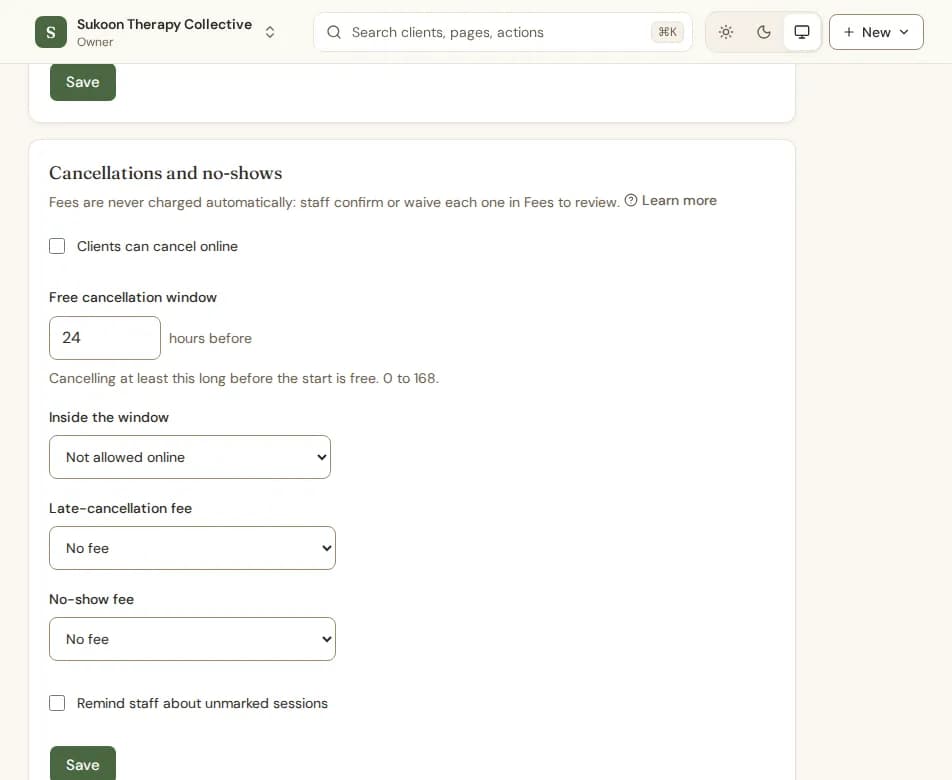
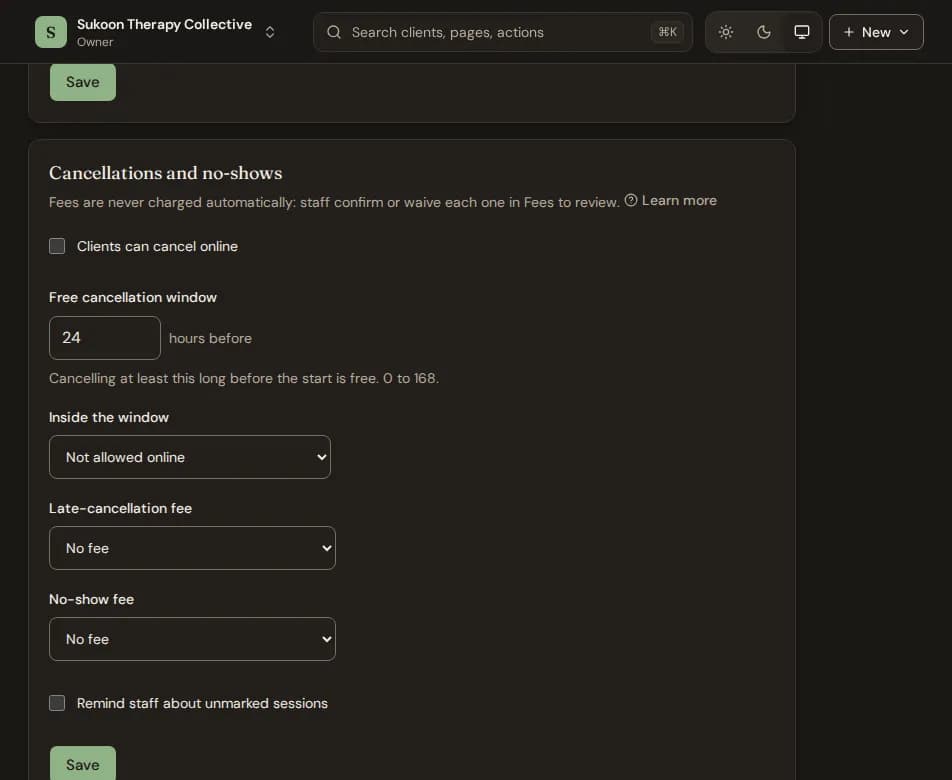
- Under Cancellations and no-shows, choose whether Clients can cancel online.
- Set the Free cancellation window in hours. Cancelling at least this long before the start is free.
- Under Inside the window, choose Not allowed online or Allowed, with a late-cancellation fee.
- Choose the Late-cancellation fee and the No-show fee: No fee, Percentage of the client's session fee, or Fixed amount.
- Choose Save.
- A percentage is worked out from what that client pays for that session: the session's fee, else their own fee, else the standard price.
- Each booking keeps the rules in force when it was made. A change applies to sessions booked from then on.
- Need different rules for one service or therapist? Use the Overrides tab on the same page.
Confirm or waive a fee
A late cancel the client asked for, or a session marked No-show, puts a fee in Fees to review. Nothing is charged until you decide.
- Go to Invoices and choose fees to review.
- Choose Confirm to issue an invoice for the fee, or Waive to drop it.
The Confirmed and Waived tabs keep a record of what you decided.
Still stuck? Contact us and tell us what you were trying to do.