A different fee for one session
Change the fee when you book, for only this session or for the client from now on, or later from the session itself.
When you book
For a session with one client, the booking form has a Fee section. It says what the client usually pays: their own fee, or the standard price.
- Type the amount in Fee for this session (₹). Leave it empty to charge the usual fee.
- If it differs from the usual fee, choose what it is for: Only this session, or the client's fee from now on, such as Kabir's Individual therapy from now on.
- Book as usual.
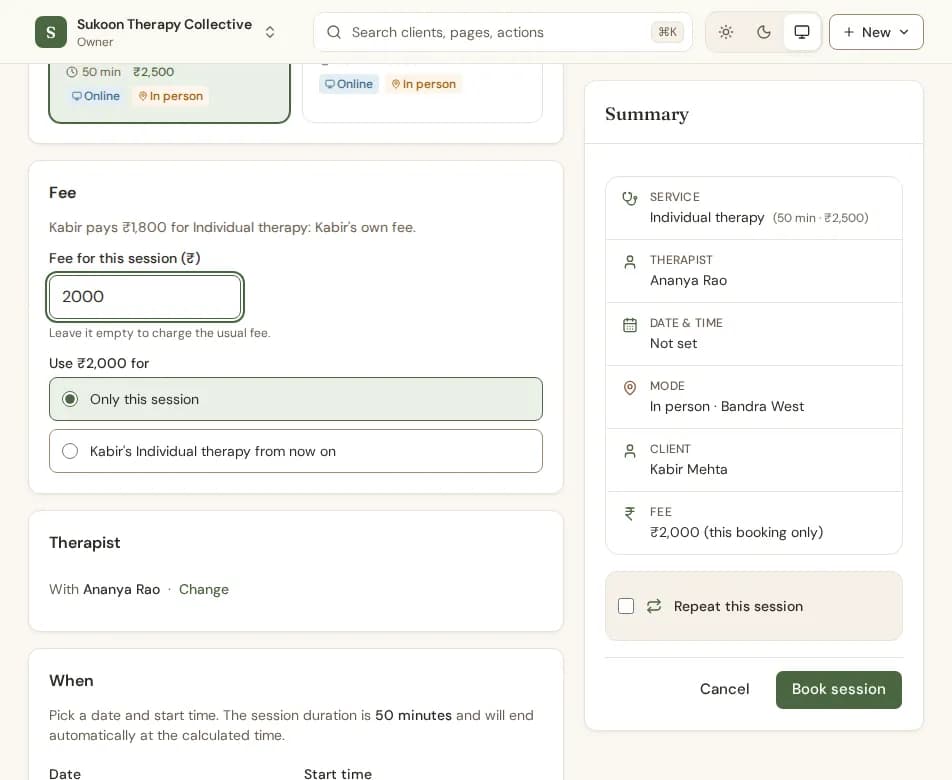
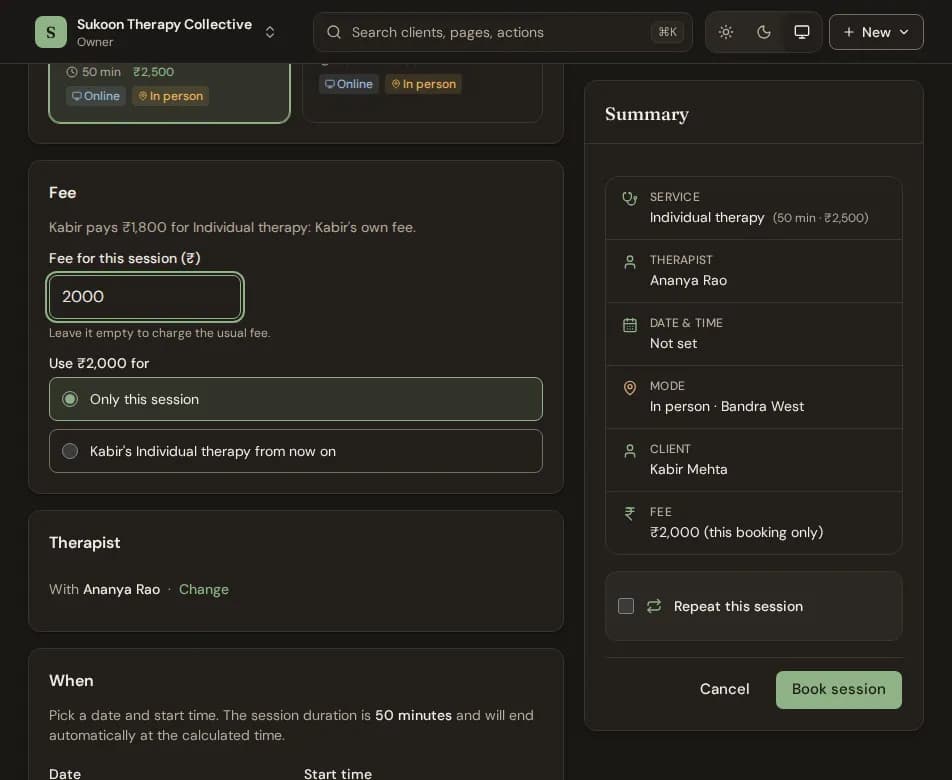
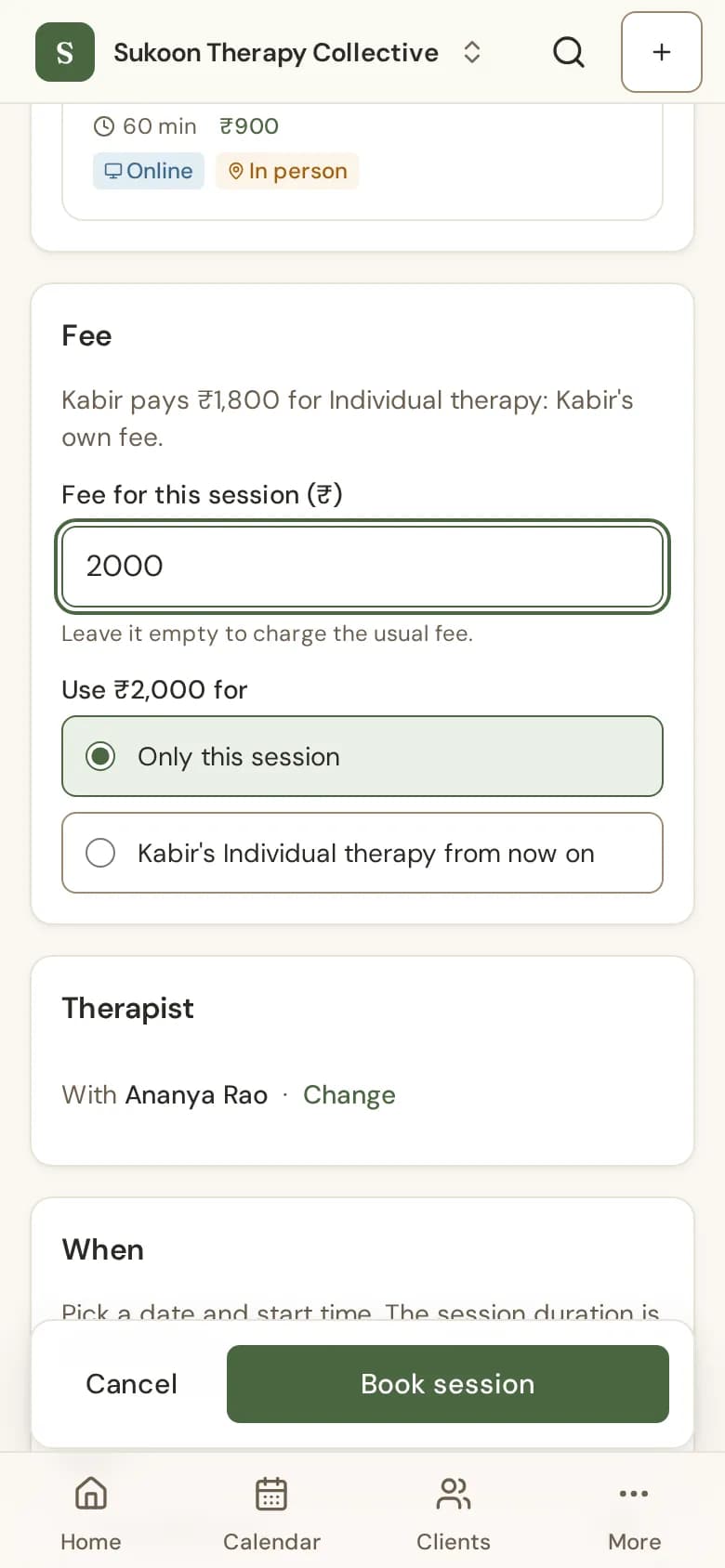
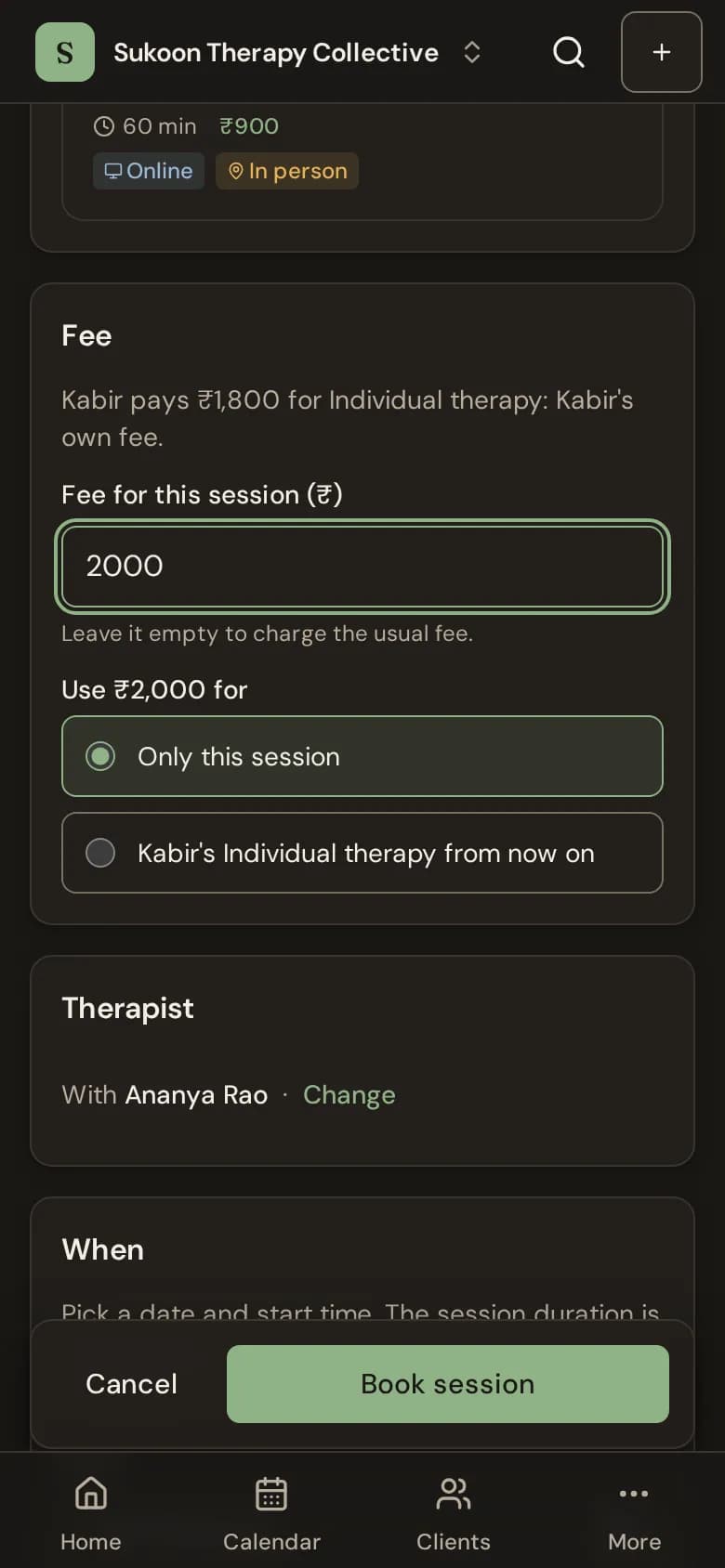
- Only this session: this session is billed at the amount. The client's other sessions keep their fee.
- From now on: the amount becomes the client's fee for that service, as if you set it on their page. Their sessions not invoiced yet are billed at it, except one given its own fee.
- For a series of sessions, the choice reads Only these sessions.
After booking
- Open the session in the calendar.
- Next to Fee, choose Change fee.
- Type the amount and choose Save. To go back, choose Use Kabir's usual fee (it shows your client's name).
Once the session is invoiced, paid from a package, or a late-cancellation or no-show fee was worked out from it, its fee is fixed. Change the amount on the invoice instead, while it is a draft.
The Fee section shows only to people who manage billing, and only for a session with one client. In a group session, each member pays their own fee.
Still stuck? Contact us and tell us what you were trying to do.