Pay before or after the session
Choose whether clients pay after a session or before it. With pay before, the invoice goes out at booking and the session is confirmed once it is paid.
- Open Settings, then Billing and GST.
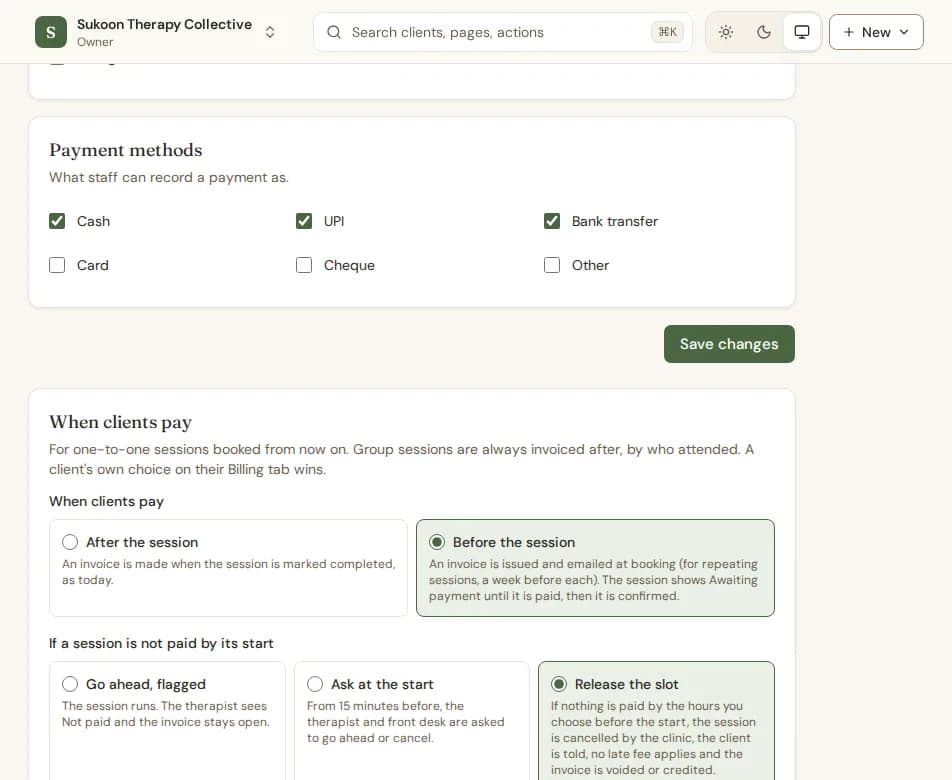
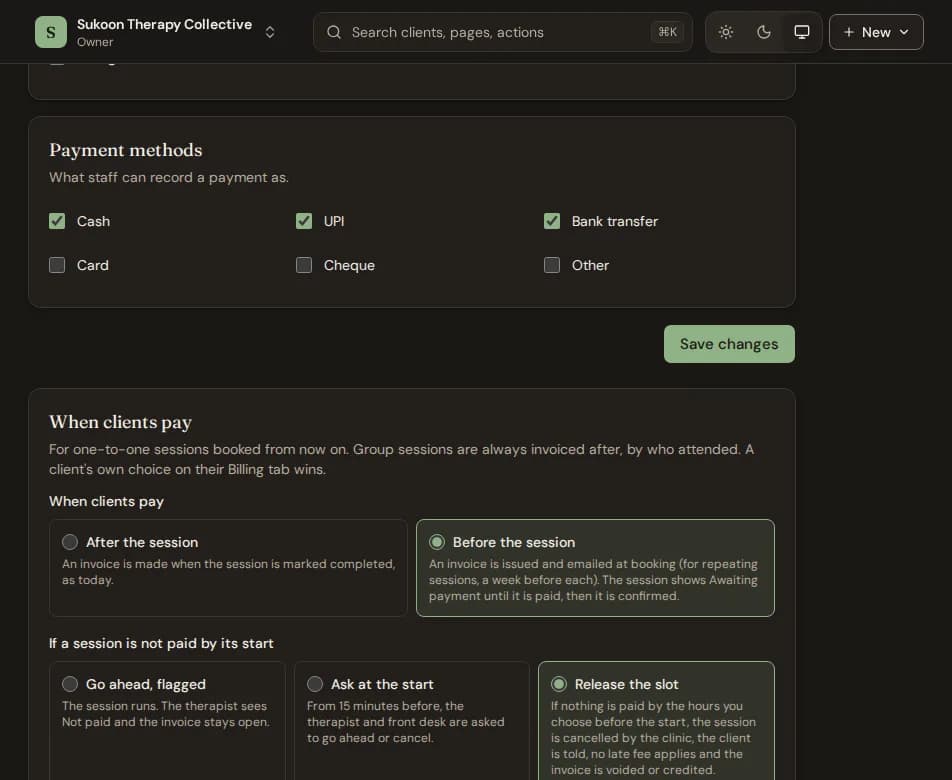
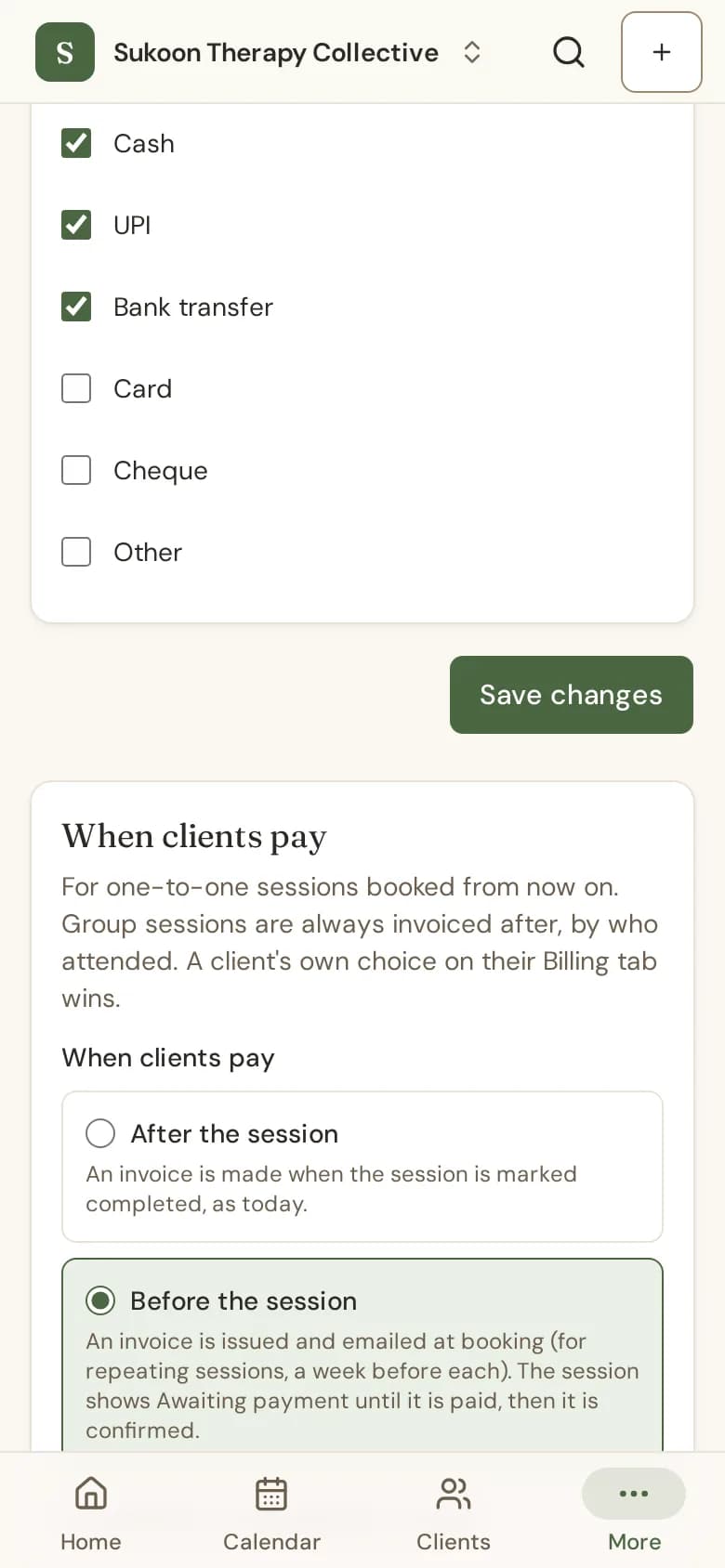
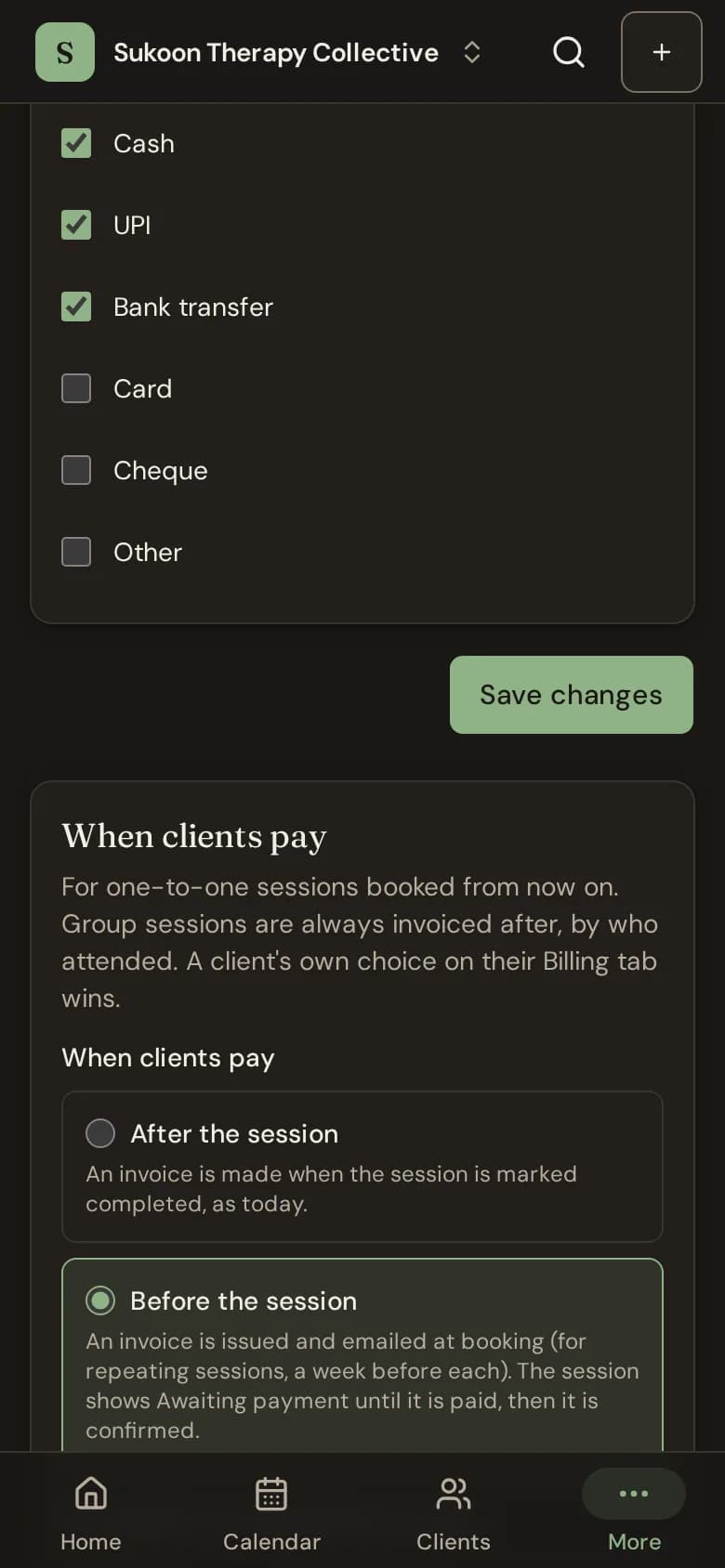
- Under When clients pay, choose After the session or Before the session.
- With Before the session, choose what happens If a session is not paid by its start, then choose Save.
When clients pay before
- The invoice is issued and emailed at booking, due at the start, with the UPI QR code if you take UPI. A session more than a week away, including each one in a repeating series, gets its invoice a week before.
- The session shows Awaiting payment until the invoice is paid, then it is confirmed.
- While it is unpaid, the client gets one reminder before the start.
- It applies to one-to-one sessions booked from now on. Group sessions are always invoiced after, by who attended.
If a session is not paid by its start
- Go ahead, flagged: the session runs, the therapist sees Not paid and the invoice stays open.
- Ask at the start: from 15 minutes before, the therapist and front desk are asked to go ahead or cancel.
- Release the slot: if nothing is paid by the hours you choose before the start (1 to 72), the clinic cancels the session, the client is told, no late fee applies and the invoice is voided or credited. A session booked closer to its start than that, or with an I’ve paid being checked, is never released.
For one client
Open the client, go to Billing and use When this client pays. The setting for an individual client overrides the clinic setting.
Still stuck? Contact us and tell us what you were trying to do.