Record a payment
Clients pay you directly by cash, UPI or bank transfer. Record each payment on its invoice.
Taking payments online in Bliss is in early access and not switched on yet. Clients pay you directly, and you record it here.
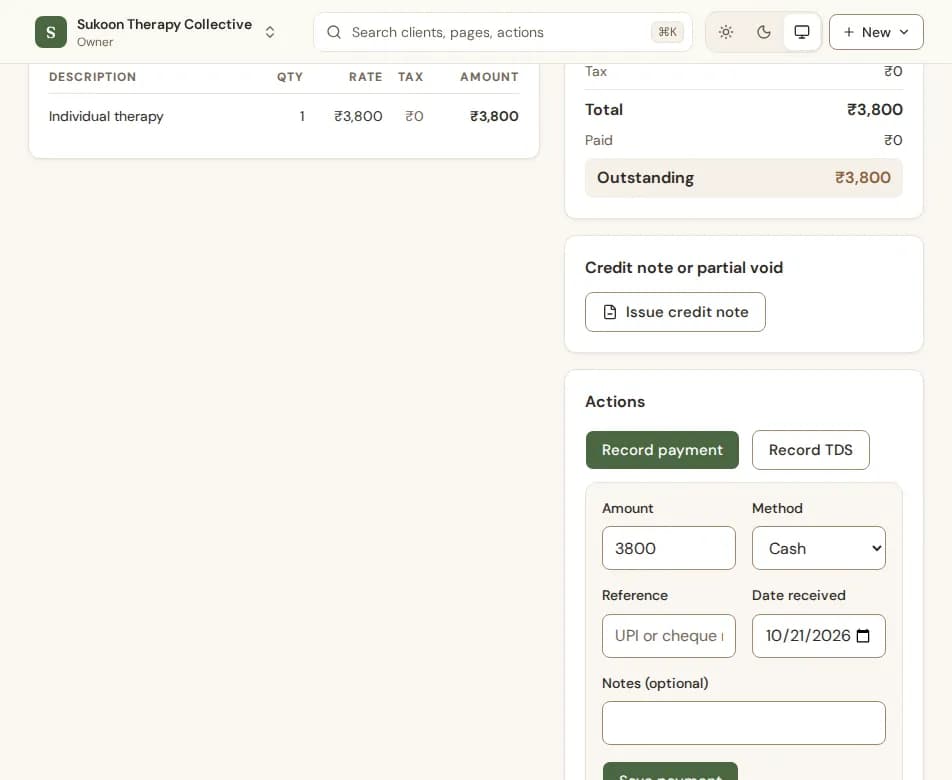
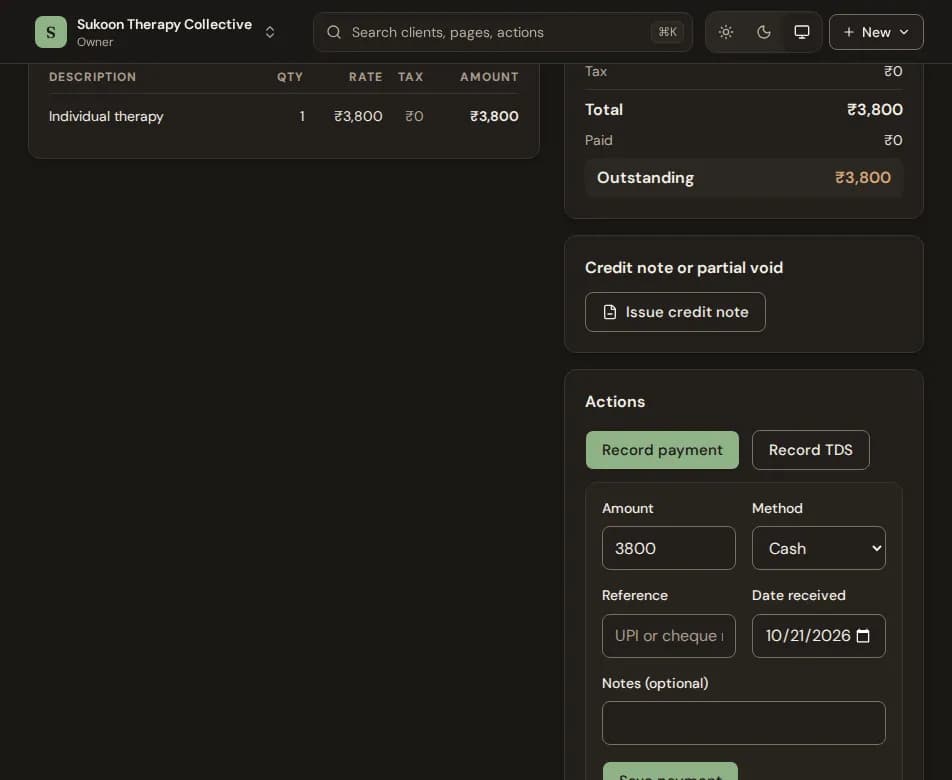
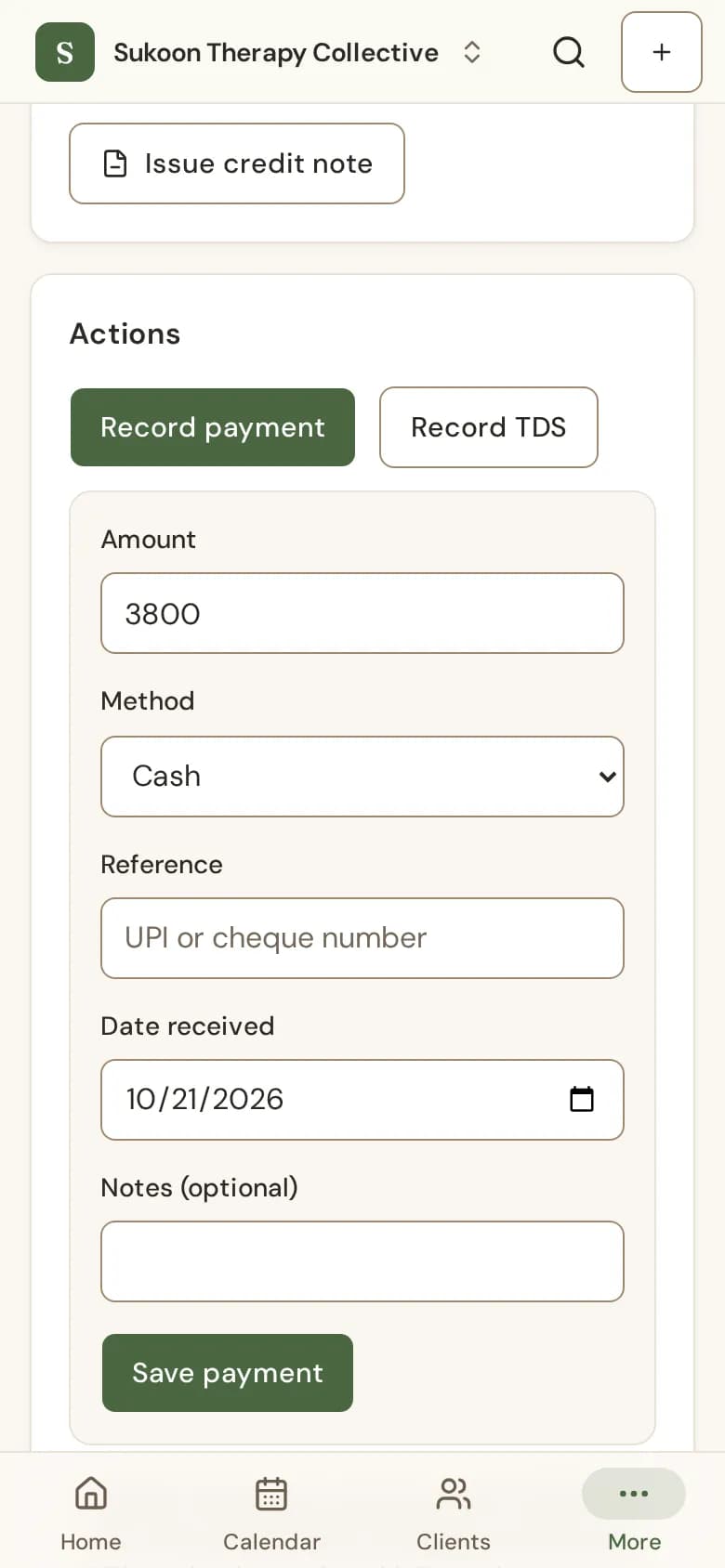
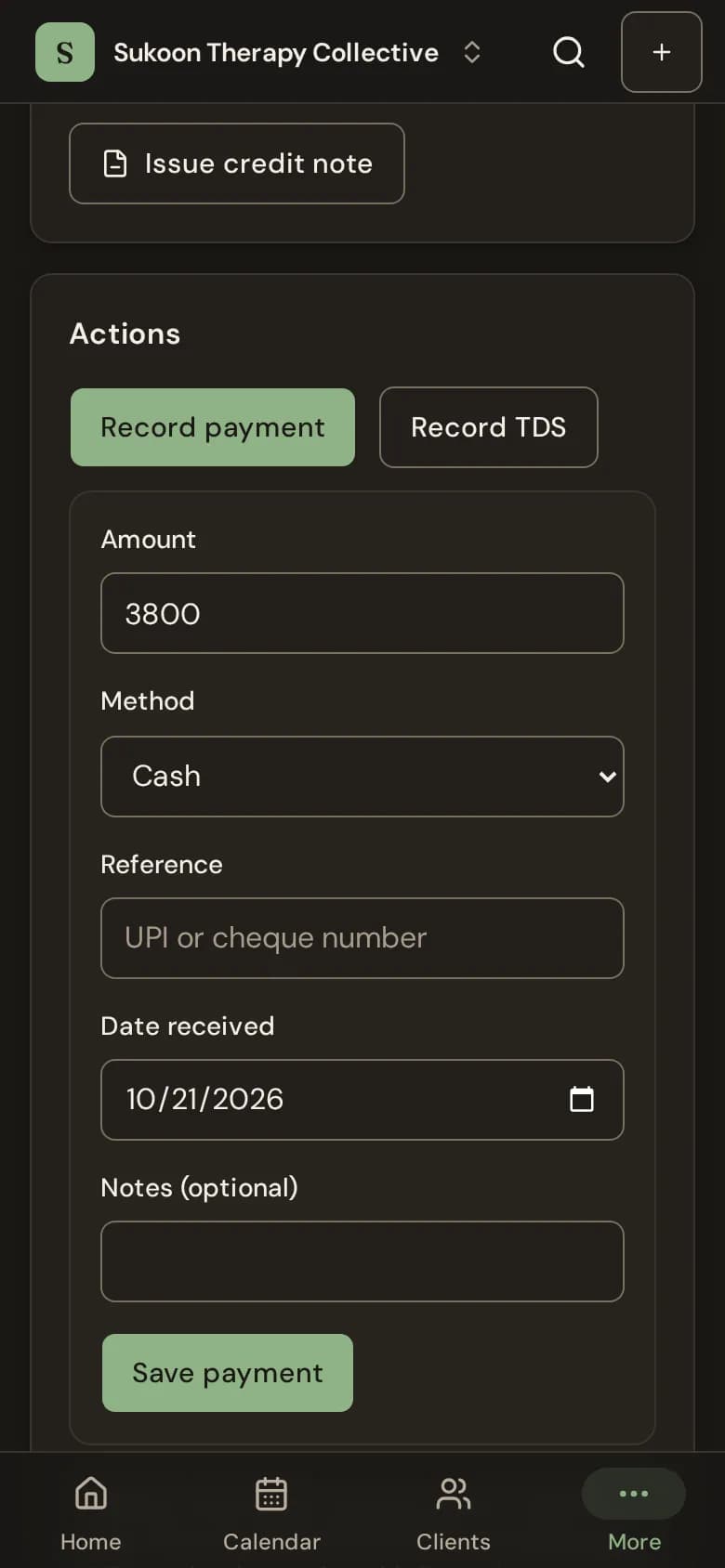
- Open the invoice and choose Record payment.
- Type the Amount, pick the Method and add a Reference if there is one.
- Set the Date received and choose Save payment.
- A part payment leaves the invoice Part paid with the rest still owed.
- If the client has money in their wallet, choose Use wallet credit in the same form. See The client wallet.
- Choose which methods staff can pick under Payment methods, in Billing and GST in your settings.
- A business client who deducted TDS: see TDS.
Still stuck? Contact us and tell us what you were trying to do.