Book recurring sessions
Book a weekly, fortnightly or monthly series in one go, for a number of sessions or until a date.
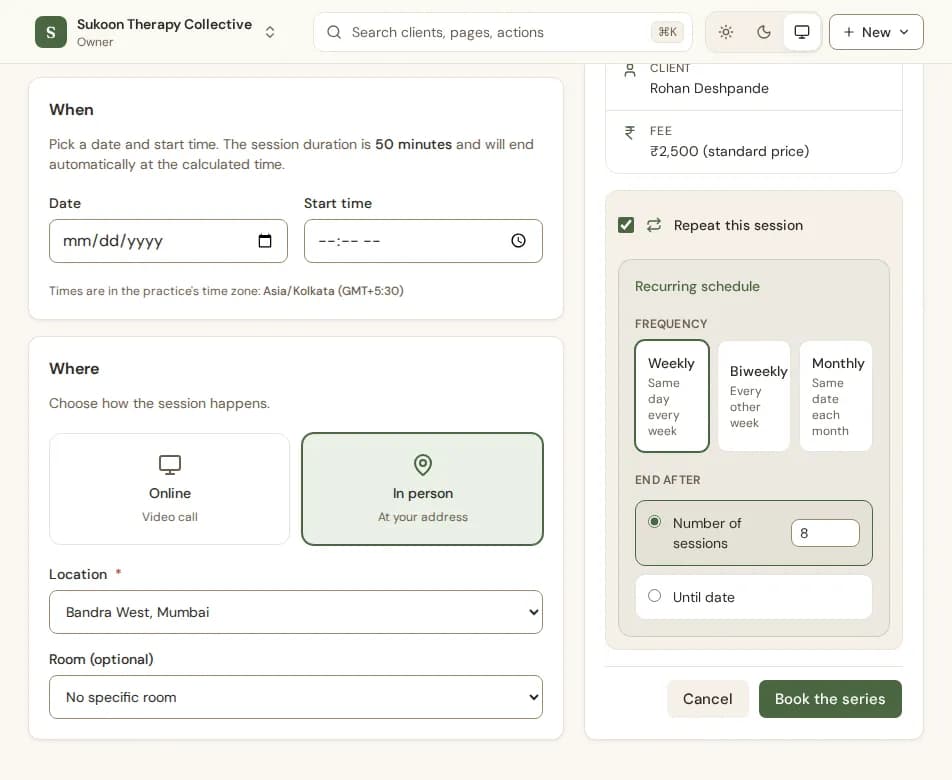
- Fill in the booking form for the first session as usual.
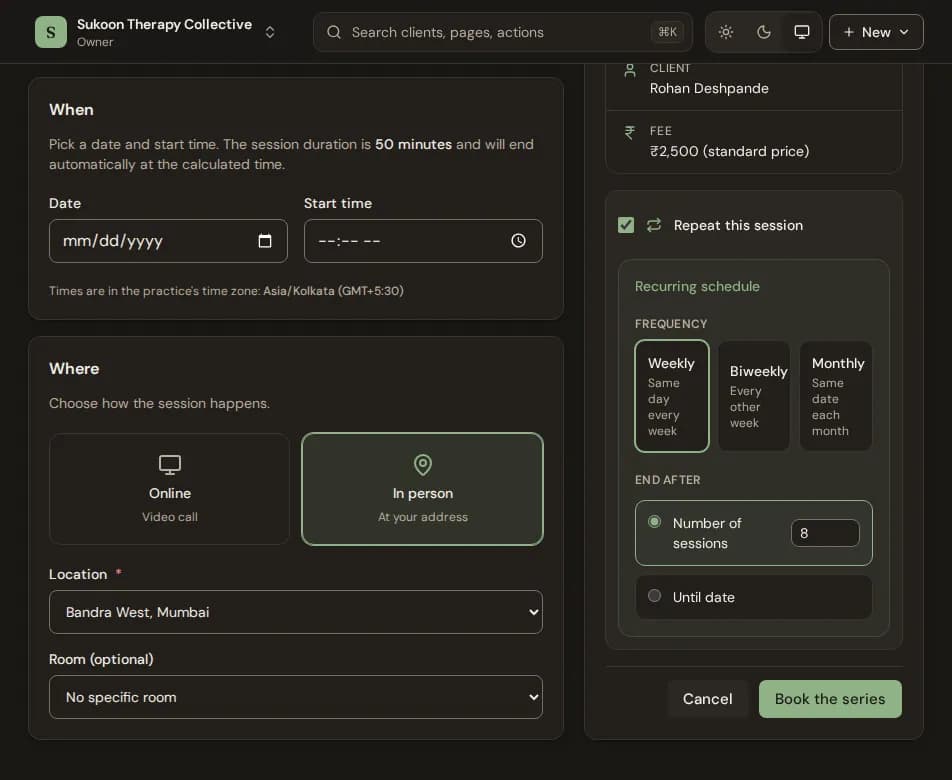
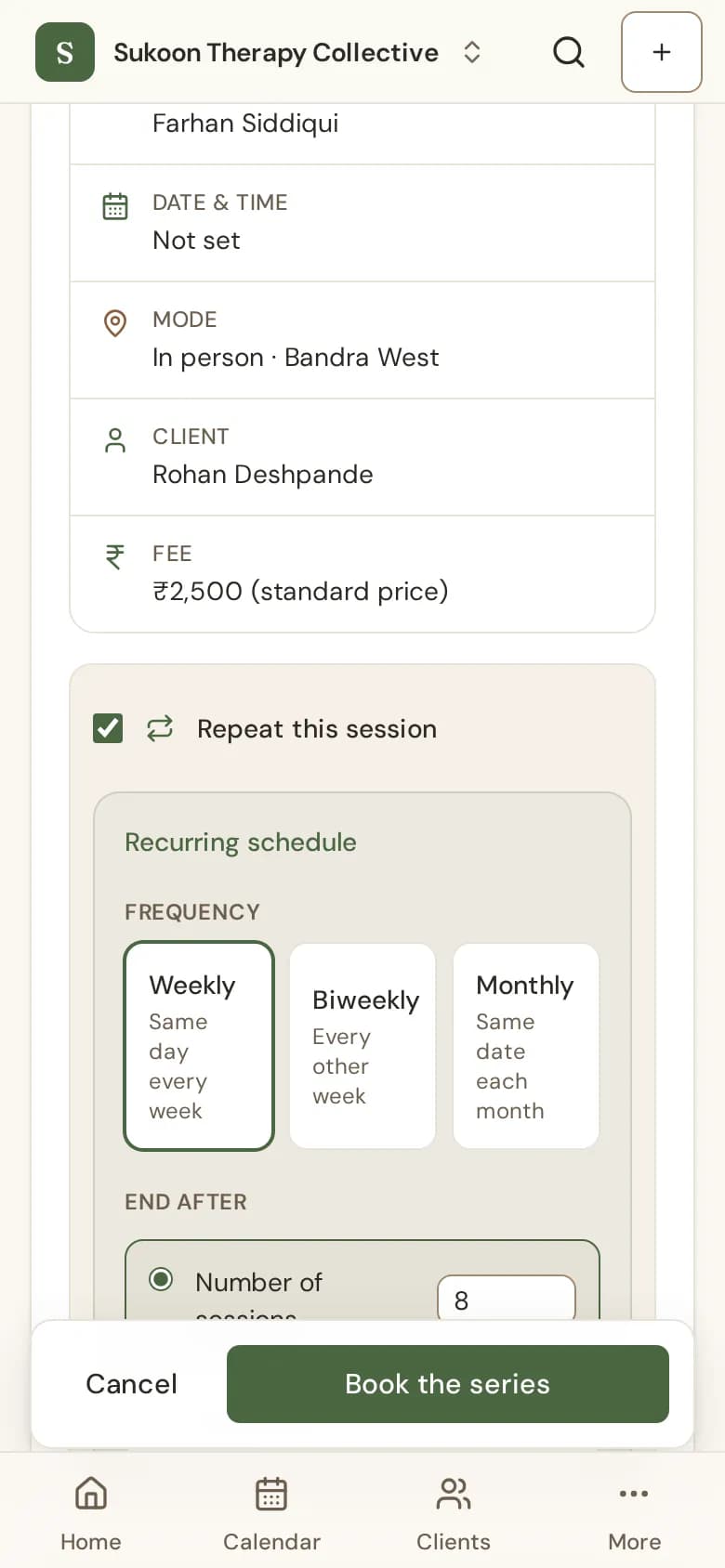
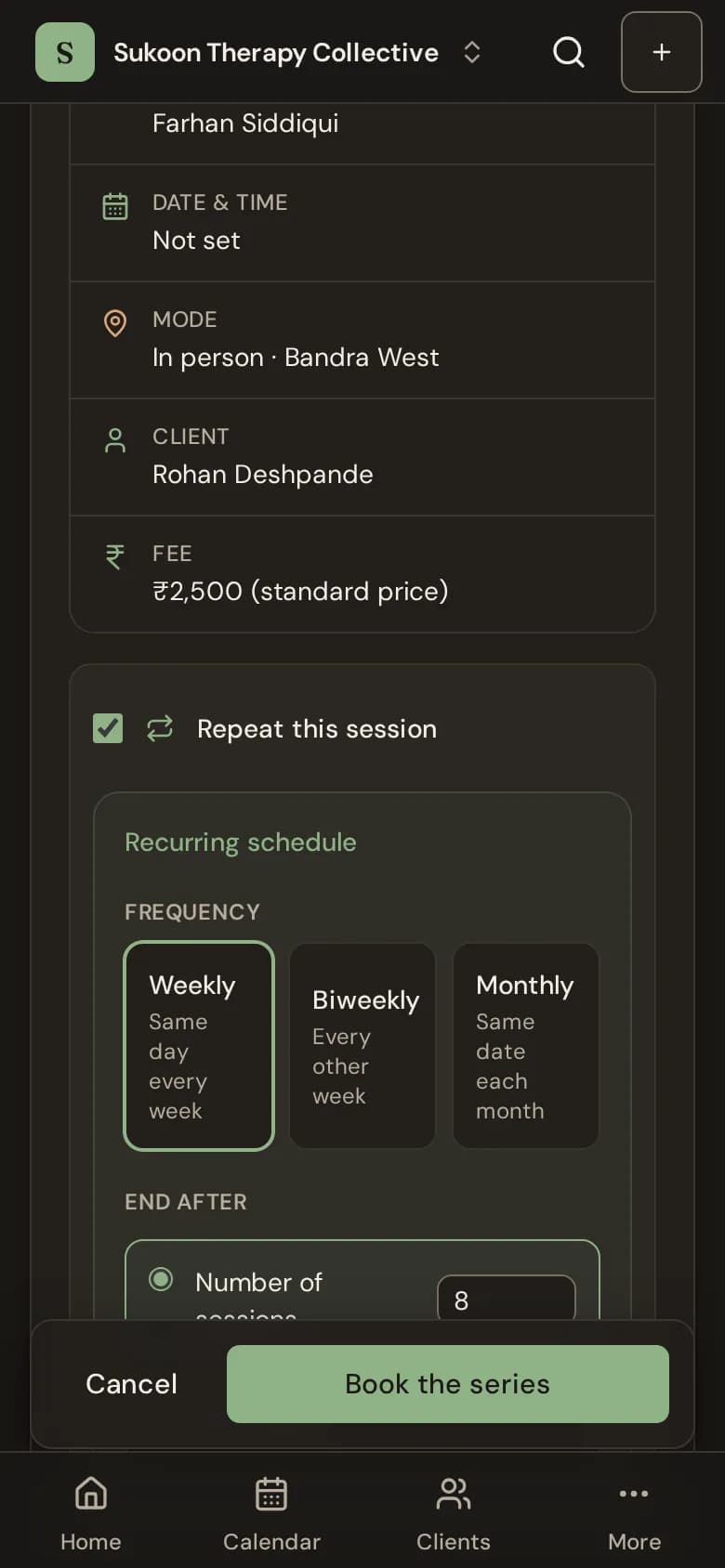
- In the Summary, tick Repeat this session.
- Under Frequency, choose Weekly, Biweekly (every other week) or Monthly (the same date each month).
- Under End after, choose Number of sessions (up to 104) or Until date.
- Check the first and last dates Bliss shows, then choose Book the series.
Recurring sessions come with Solo Growth and the Clinic plans, not the free Solo Starter plan. See Pricing.
If some times are taken
Bliss books every date that is free and skips the ones where the time is taken. It tells you how many it skipped. Book those dates separately if you need them.
The fee for a series
The Fee section reads Fee for these sessions. A different amount can be for Only these sessions, or become the client's fee from now on. See A different fee for one session.
Changing a series
Each session in a series is its own booking. Move or cancel sessions one at a time from the calendar. See Reschedule or cancel a session.
Still stuck? Contact us and tell us what you were trying to do.