Prices for your services, and "Price varies"
Each service has a standard price. If you have no usual price, tick "Price varies" and bill each client their own fee.
A service is a kind of session you offer, with its length and its standard price. Bookings and invoices take the price from it, unless a client has their own fee.
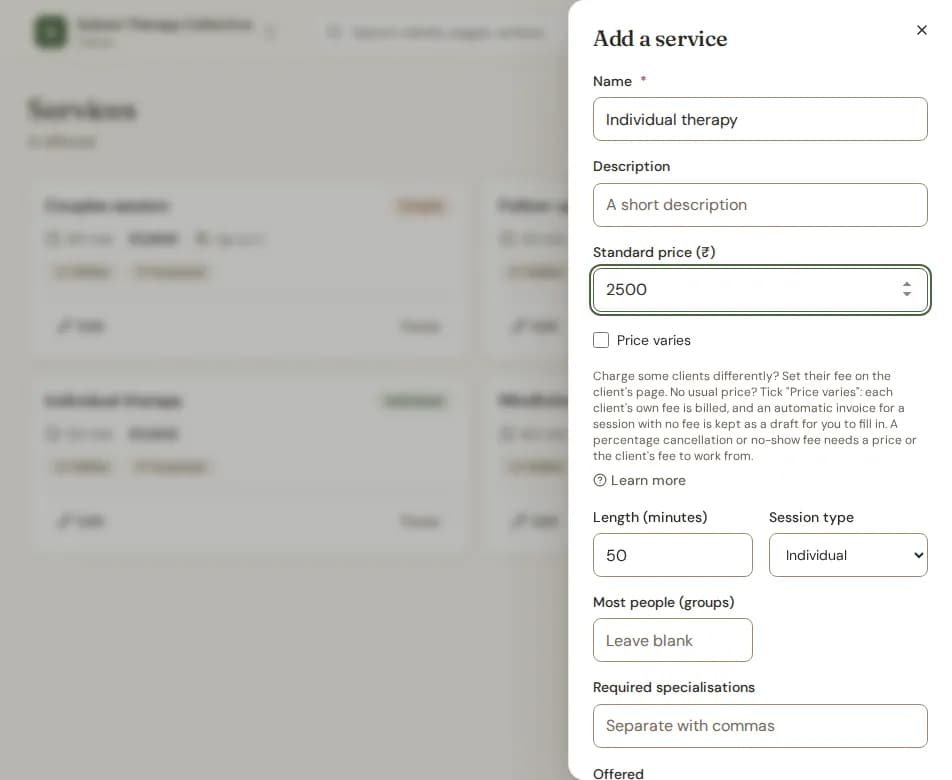
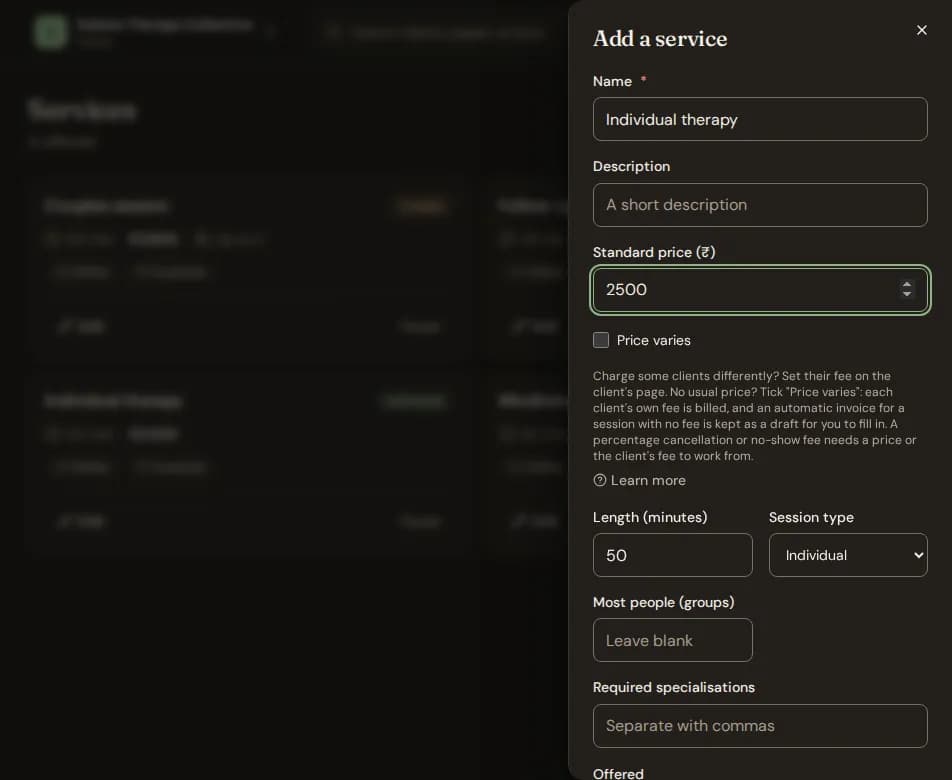
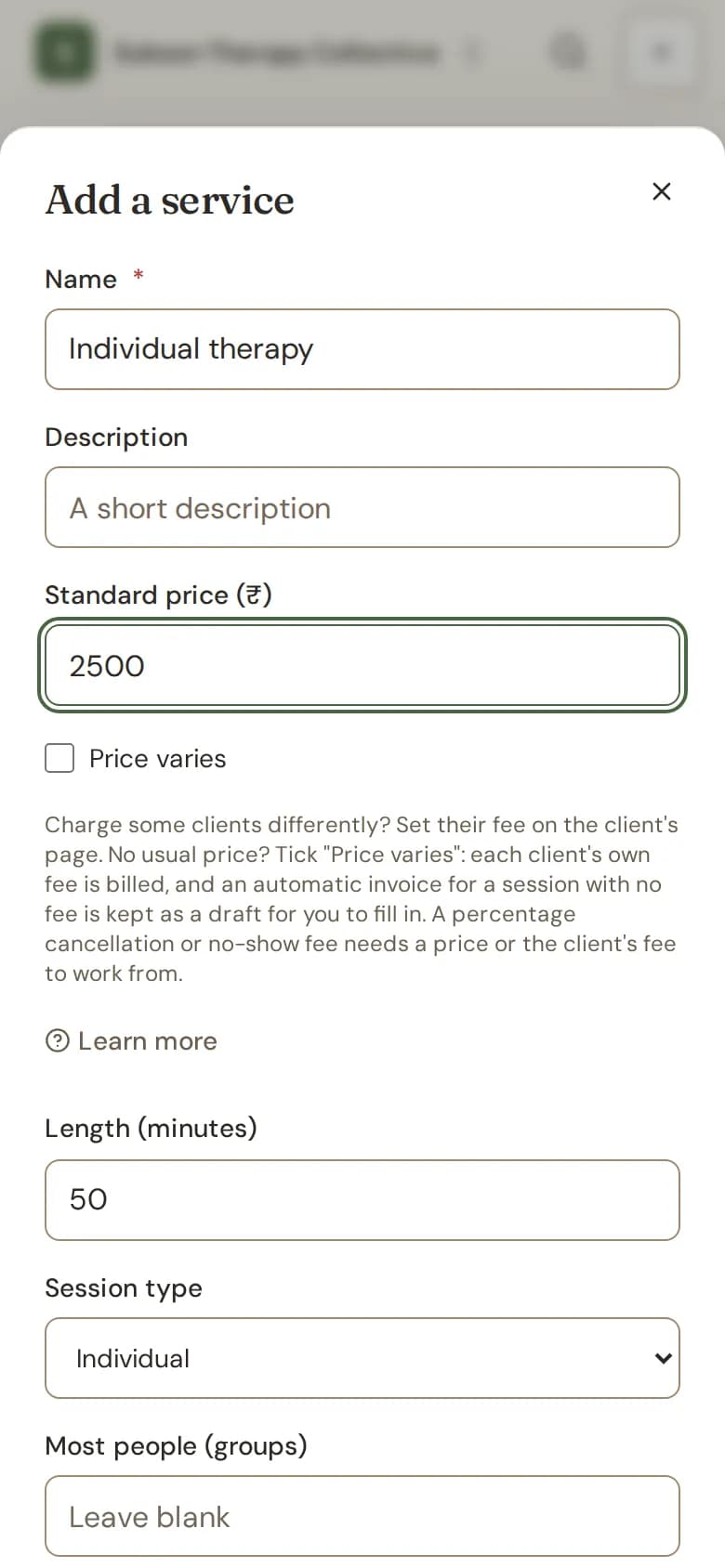
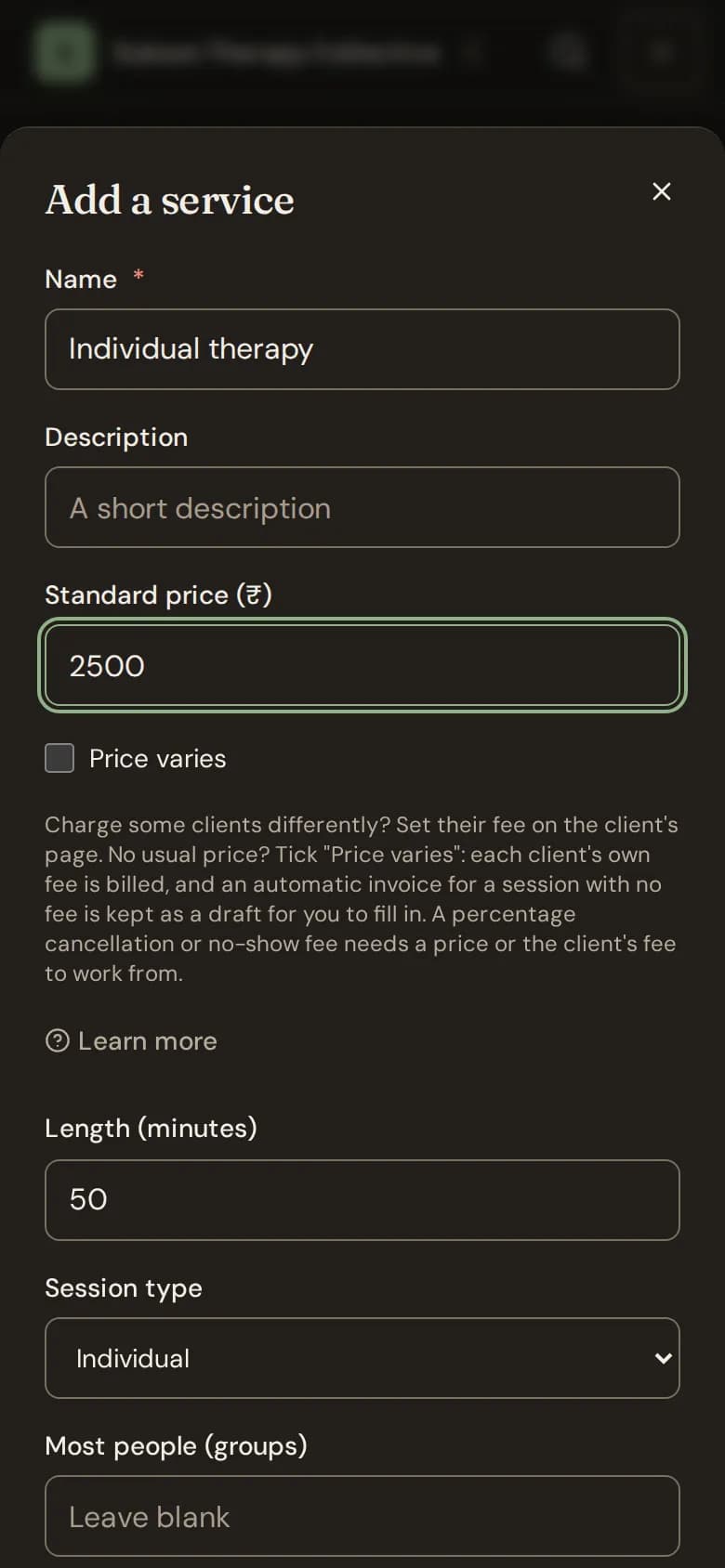
Add or change a service
- Go to Services. In a clinic it is under Practice; in your own practice, under Your practice.
- Choose Add service, or Edit on a service you have.
- Type the Name, the Standard price (₹) and the Length (minutes). Pick the Session type.
- Under Offered, tick Online, In person or both.
- Choose Add service or Save service.
When there is no usual price
Some practices charge each client differently, with no price that most people pay. For such a service, tick Price varies. The price box goes away. Then:
- Each client is billed their own fee. Set it on the client's page. See Set a client's own fee.
- When a session has no fee at all, its automatic invoice is kept as a draft for you to fill in. Nothing is sent to the client until you issue it. See What happens to invoices.
- Clients see "Price varies" for this service on their portal and on your booking page, or their own fee once you set one.
- A percentage cancellation or no-show fee needs a price to work from. With Price varies, it uses the client's fee, so set one, or use a fixed amount.
Stop offering a service
Choose Pause on the service. Sessions already booked keep it. Choose Offer again to bring it back.
Still stuck? Contact us and tell us what you were trying to do.