Session packages
Sell a number of sessions of one service on one invoice. Each completed session takes one from the package.
Sell a package
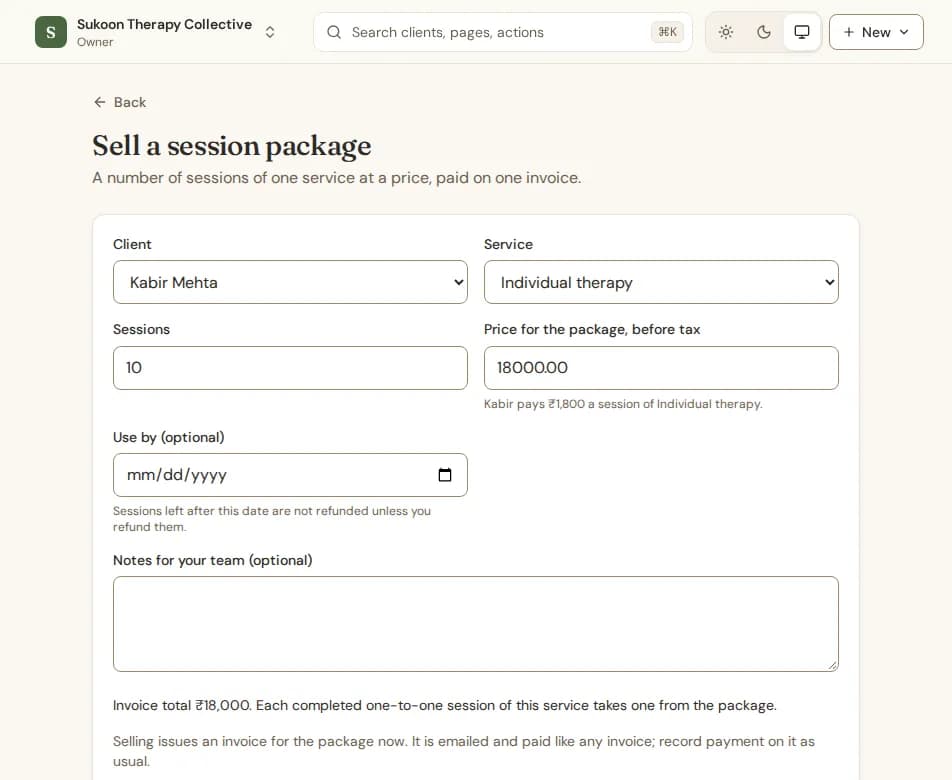
- Open the client, choose the Billing tab and, under Session packages, choose Sell a package.
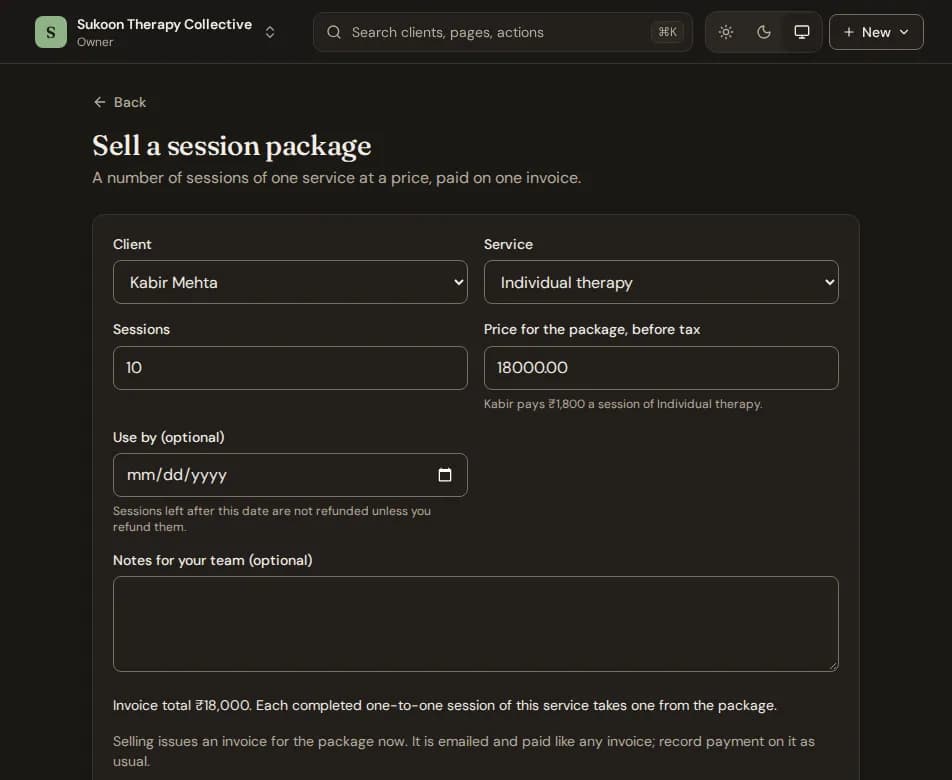
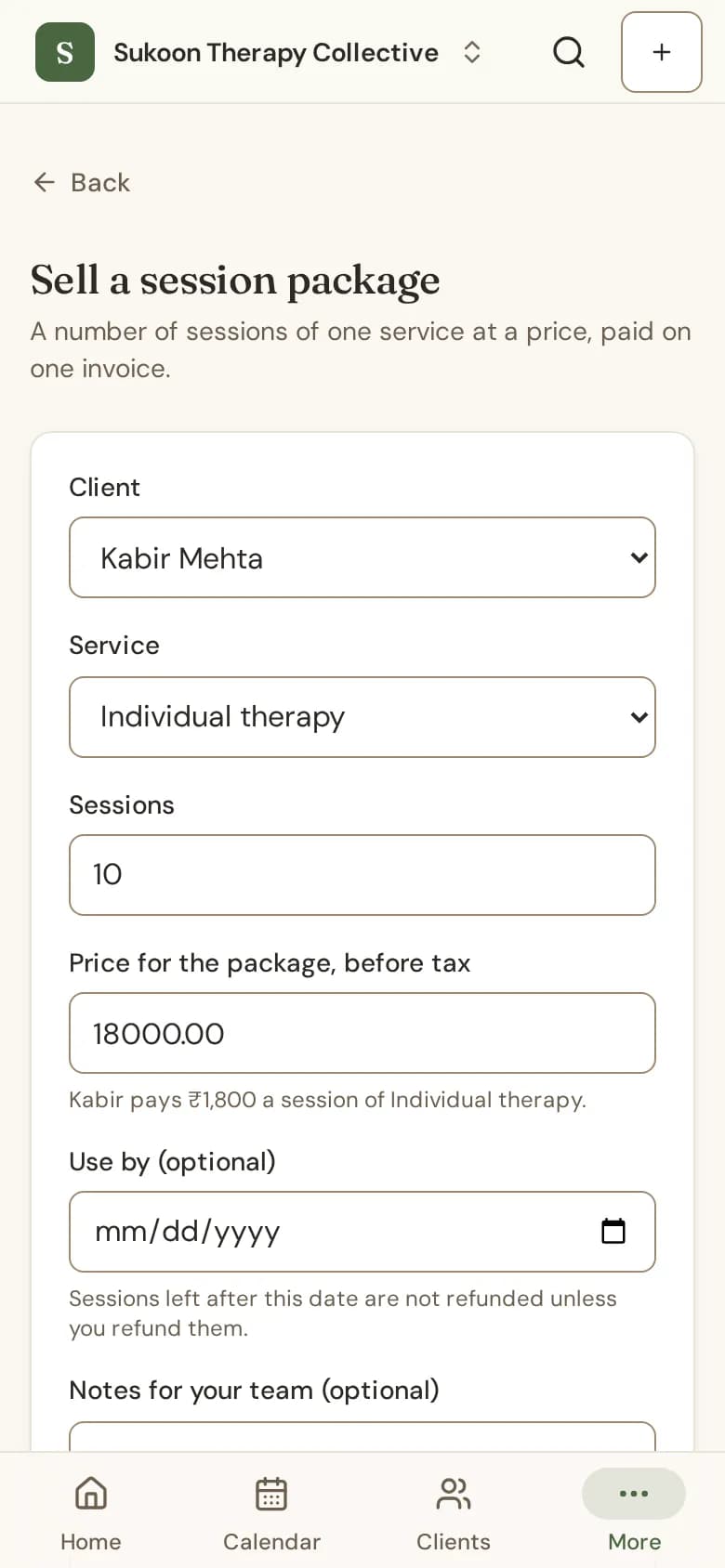
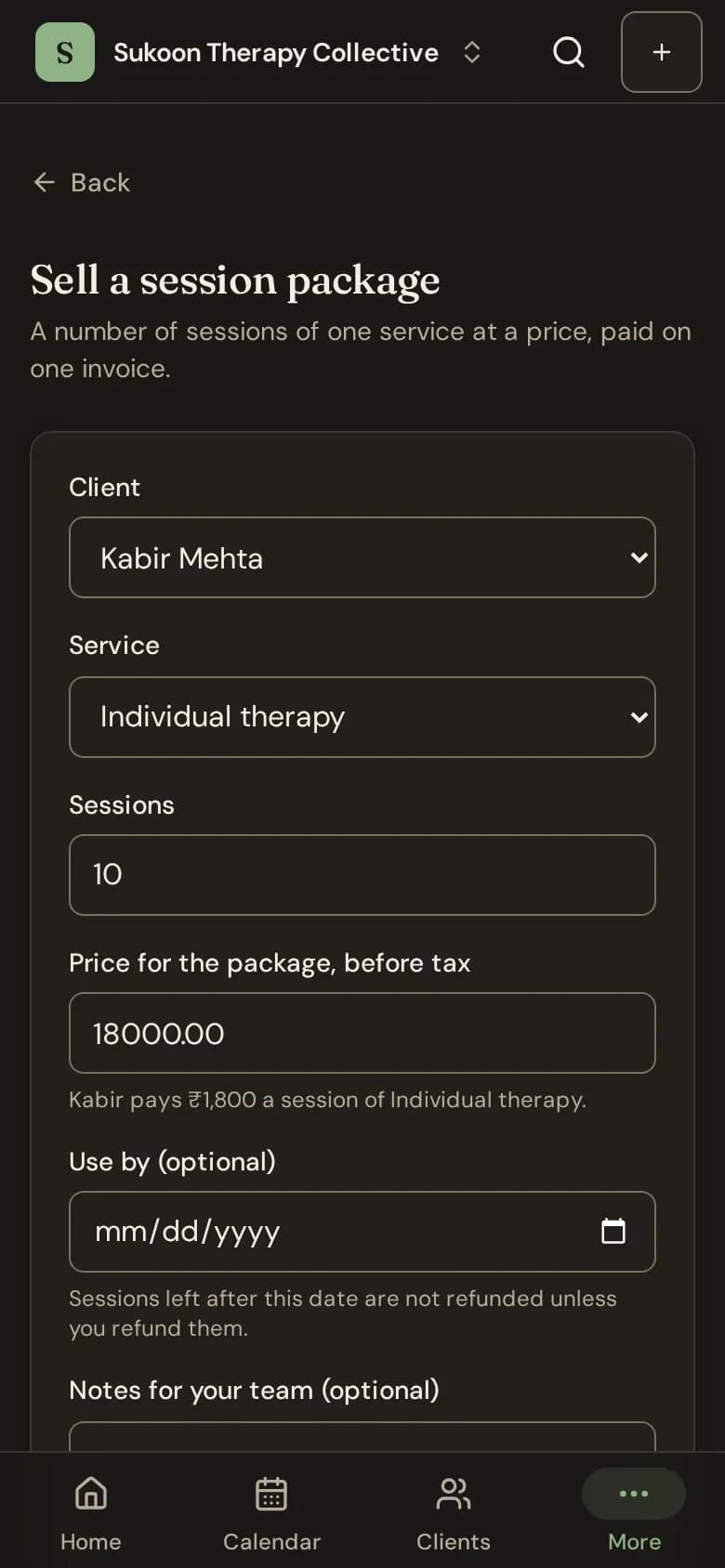
- Pick the Service and type the number of Sessions.
- Check the Price for the package, before tax. It starts from the client's fee times the sessions.
- Set a Use by date if you like.
- Choose Sell package. Its invoice is issued at once; record payment on it as usual.
How sessions are used
- When a one-to-one session of that service is completed, it takes one from the client's package, the one that runs out first. It gets no invoice of its own.
- Cancelled sessions and no-shows take nothing from the package.
- Sessions left after the Use by date are not refunded unless you refund them.
- The client's Billing tab shows sessions left, booked ahead and the use-by date. The client sees the same on their portal.
- Group services cannot be sold as packages.
Refund unused sessions
Open the package and choose Refund unused sessions. Bliss issues a credit note for the unused share and ends the package. What the client already paid of it goes to their wallet or back to them, as you choose.
Still stuck? Contact us and tell us what you were trying to do.