Set up your practice or clinic
After sign-up, a short setup asks what you are setting up, then fills in a starting point you can change later.
The setup has three short steps. Everything it saves can be changed later in settings.
Step 1: What are you setting up?
- My own practice: just you. Free to start.
- A clinic with a team: therapists, front desk, one or more locations.
You can add the other one later.
Your own practice
- Under Your practice, check Your name as clients see it. Add a Practice name only if you do not practise under your own name.
- Add Your mobile if you like. Clients see it when they need to call you about a booking.
- Under You see clients, choose Online, In person or Both. For in person, type where you see them.
- Choose Next.
- On Here is a starting point, check your first service, its fee, your working hours and reminders. Choose Edit beside any of them to change it.
- Tick the box to agree to the Data Processing Addendum, then choose Create my practice.
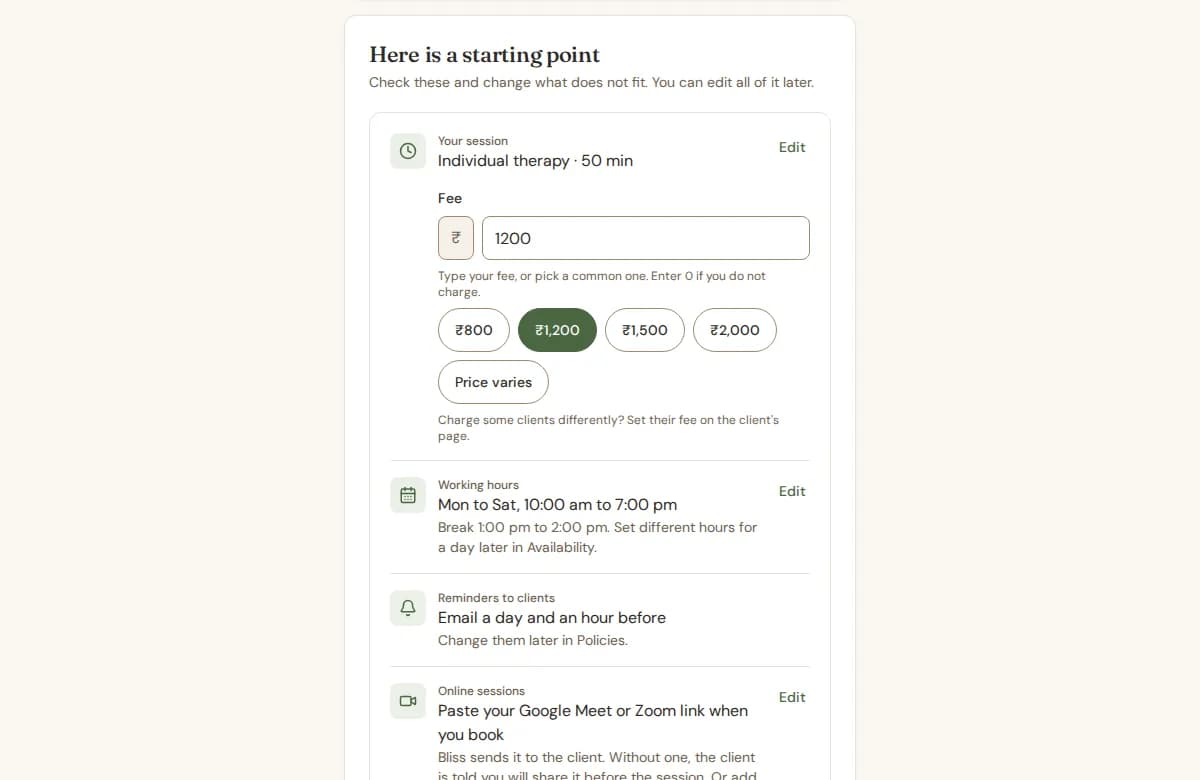
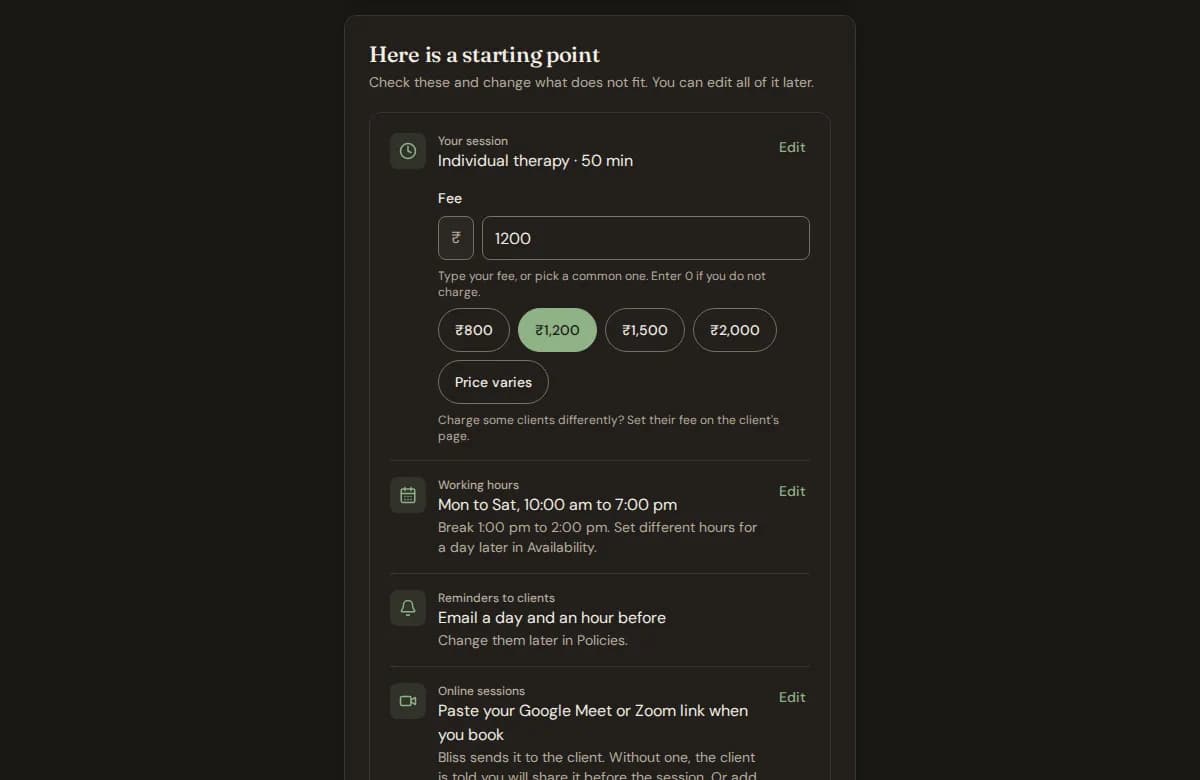
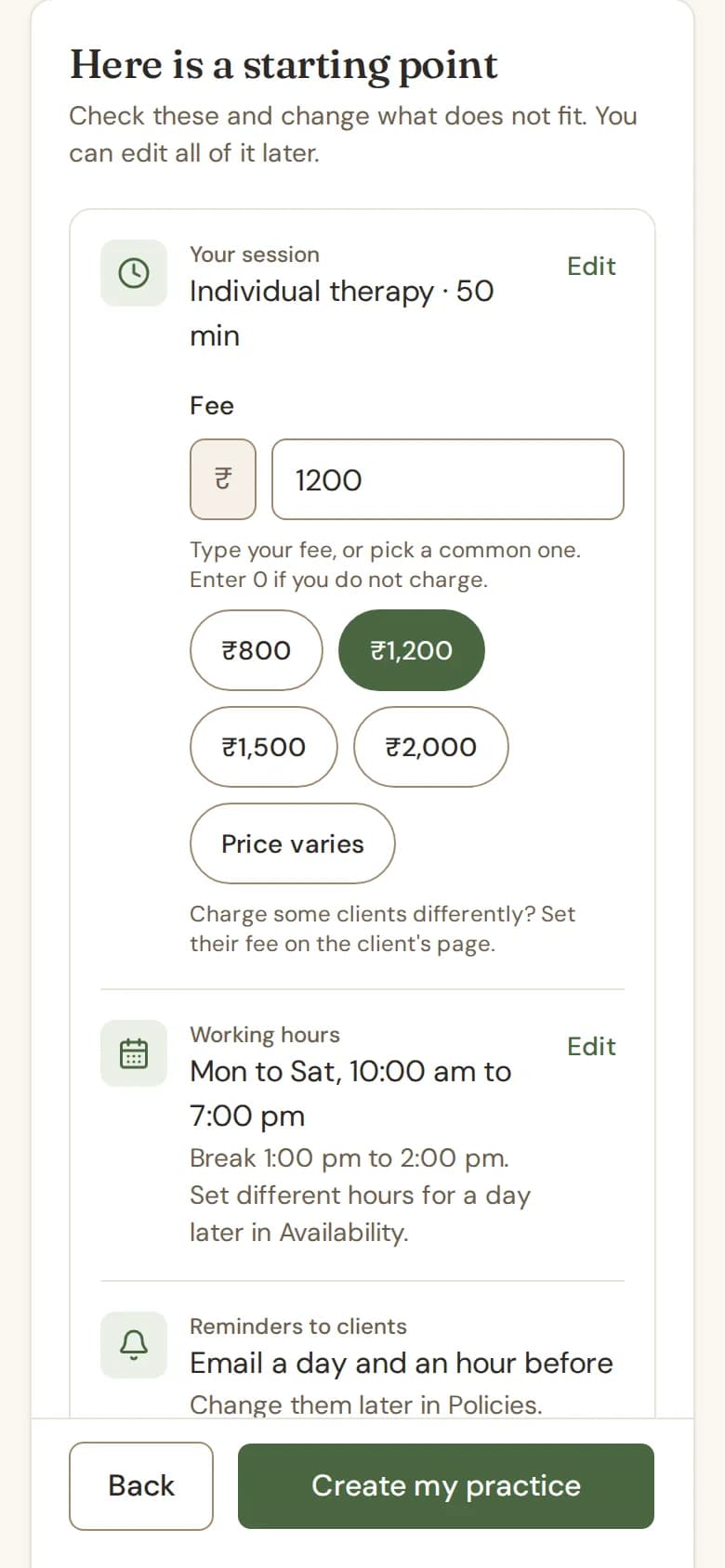
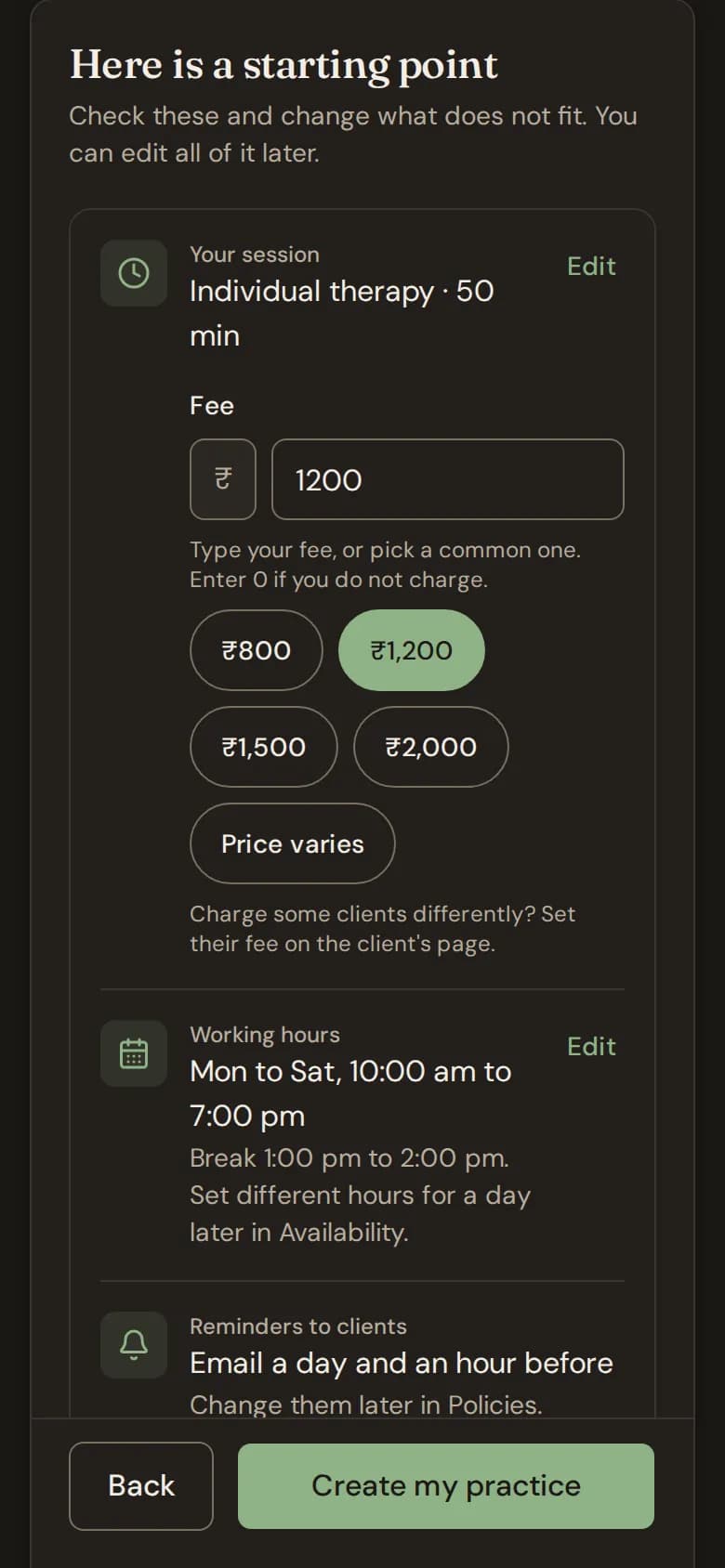
The starting point has:
- Your session: a name and a length (45, 50, 60 or 90 minutes).
- Fee: type your fee or pick a common one. Enter 0 if you do not charge. If you have no usual price, tick Price varies. See Prices for your services.
- Working hours: Monday to Saturday, 10 am to 7 pm, with a break from 1 pm to 2 pm, until you change them.
- Reminders to clients: an email a day before and an hour before. Change them later in Policies.
- Online sessions: paste your video call link when you book, or add one room link that goes with every online session.
- Invoices: in rupees, without GST. If you are GST registered, turn it on later under Billing and GST in your settings.
Charge some clients differently? Set their own fee on the client's page. See Set a client's own fee.
A clinic with a team
- Type the Clinic name.
- Under Do you also see clients at this clinic?, choose Yes, I see clients (you take the therapist seat) or No, I run it (you take a staff seat).
- Tick the box to agree to the Data Processing Addendum, then choose Create my clinic.
A clinic starts free. Each person has one free workspace, so if you already have one, the new clinic opens on Billing for you to choose a plan.
Next, Bliss asks you to book your first session. See Book your first session.
Still stuck? Contact us and tell us what you were trying to do.